
How to Install Xtreme HD IPTV on Firestick (2026 Guide)
How To Install Xtreme HD IPTV on Firestick: Streaming live television and video-on-demand content on an Amazon Firestick requires pairing a capable streaming device with a dedicated media player app. Because live television streams cannot be accessed directly through standard TV menus, configuring an external client is essential. This comprehensive guide details how to set up Xtreme HD IPTV on your Fire TV device safely, efficiently, and without unnecessary technical complications.
Quick Answer: To install Xtreme HD IPTV on your Firestick, enable “Apps from Unknown Sources” under Developer Options, download the official Downloader app from the Amazon Appstore, install an IPTV player such as TiviMate or IPTV Smarters Pro, and enter your Xtream Codes credentials.
Table of Contents
How To Install Xtreme HD IPTV on Firestick: Preparing Your Amazon Firestick for IPTV Setup
Before any third-party streaming application can be downloaded onto your Amazon Firestick, the device operating system must be configured to accept applications outside the standard Amazon Appstore. This safe and standard procedure takes less than two minutes.
Unlocking Developer Options and Unknown Sources
Amazon hides the Developer Options menu on recent Fire OS updates to protect standard users from accidental misconfigurations. To reveal this menu, navigate to your Firestick Settings, select My Fire TV (or Device on older units), and click About. Highlight the exact name of your Fire TV model and press the remote’s select button seven consecutive times. A notification banner will appear at the bottom of your display confirming that you are now a developer.
Installing the Downloader App from the Amazon Appstore
Return to the main Firestick settings screen and open the newly visible Developer Options menu. Select Install Unknown Apps (or Apps from Unknown Sources on legacy software) and toggle the permission to On specifically for the Downloader application. Next, return to the Fire TV home screen, select the search icon, type Downloader, and download the orange-icon utility directly from the official Amazon Appstore.
Choosing and Installing a Compatible IPTV Player
Once your Firestick is prepared, you need a reliable media player to process your subscription feed. Services like Xtreme HD IPTV rely on standard API structures to deliver channel lineups, electronic program guides (EPG), and video-on-demand libraries seamlessly.
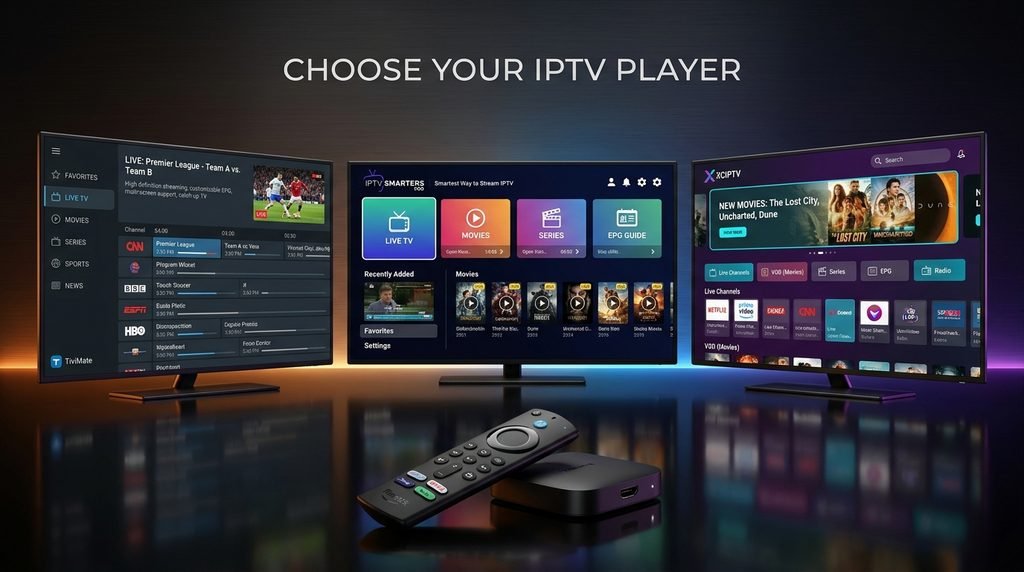
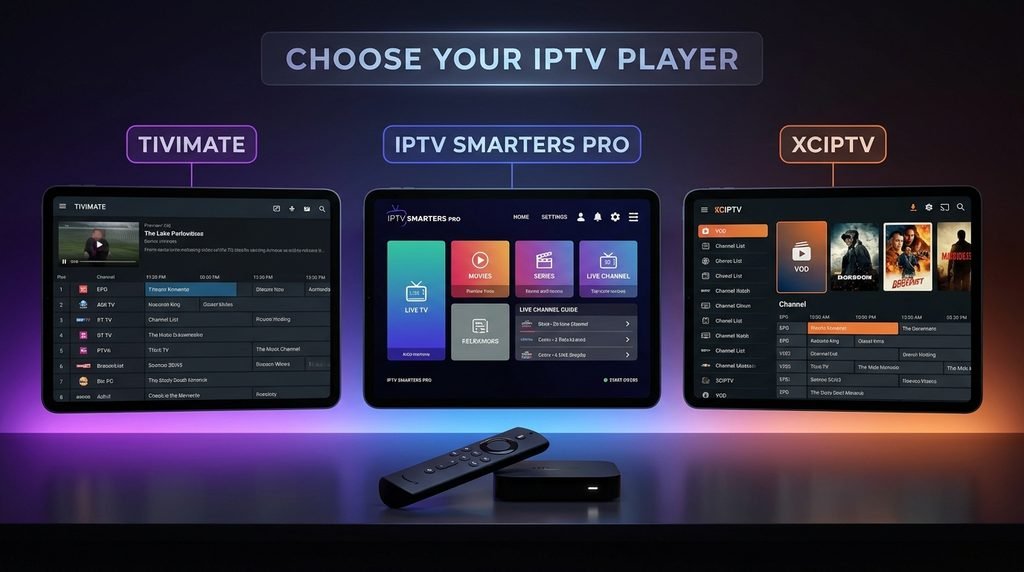
Selecting Between TiviMate, IPTV Smarters Pro, and XCIPTV
Several excellent applications work flawlessly on Fire TV hardware. TiviMate offers a premium, cable-like television guide interface with exceptional customization features. IPTV Smarters Pro provides a robust, free framework with straightforward Xtream Codes API integration. XCIPTV delivers a lightweight, ad-free environment equipped with built-in ExoPlayer and VLC decoding options. To install your preferred choice, open the Downloader app and input the direct download URL or short code corresponding to your chosen player.
Entering Your Xtreme HD IPTV Credentials
After installing and launching your chosen player application, select the login method designated as Xtream Codes API or login via API parameters. Enter the credentials provided in your activation confirmation email:
- Playlist Name: Enter a recognizable label such as Xtreme HD IPTV.
- Username: Input your unique subscriber username.
- Password: Type your account password carefully by hand to avoid trailing space errors.
- Server URL: Enter the official portal server address provided with your subscription details.
Click Add User or Sign In, and allow the application a few moments to download and cache the complete channel list and electronic program guide. For further details on alternative platforms, consult our comprehensive Firestick Setup Guide or explore our TiviMate Setup Guide.
Comparing Top Firestick IPTV Players and Setup Methods
To help you decide which player app best matches your streaming preferences, review the structured comparison criteria below, compiled from verified technical documentation and user deployment patterns.
| IPTV Player App | Primary Interface Style | Pricing Model | Best Suited For |
| TiviMate | Traditional Cable Grid Layout | Free / Premium ($9.99/yr or $33.99 lifetime) | Advanced users seeking a genuine cable-box experience and multi-playlist management. |
| IPTV Smarters Pro | Modern Dashboard & Multi-Screen | Free / Optional Upgrade | Beginners wanting fast setup and reliable Xtream Codes integration. |
| XCIPTV Player | Clean, Minimalist Live Tiles | 100% Free | Users requiring lightweight performance with built-in video decoding options. |
| IBO Player Pro | High-Performance Media Player | Free Trial / ~$8–$10 Lifetime Activation | Heavy streams and high-bitrate VOD playback without interface lag. |
For additional application options compatible with your subscription, review our curated breakdown of the Best Firestick IPTV Apps. If you are evaluating package tiers or looking for transparent pricing structures, visit our Pricing Plans Guide and Global Channel List.
Troubleshooting Common Installation and Streaming Issues
Even with careful setup, occasional hiccups can occur when configuring third-party streaming apps on compact hardware. Addressing these bottlenecks quickly ensures uninterrupted viewing.
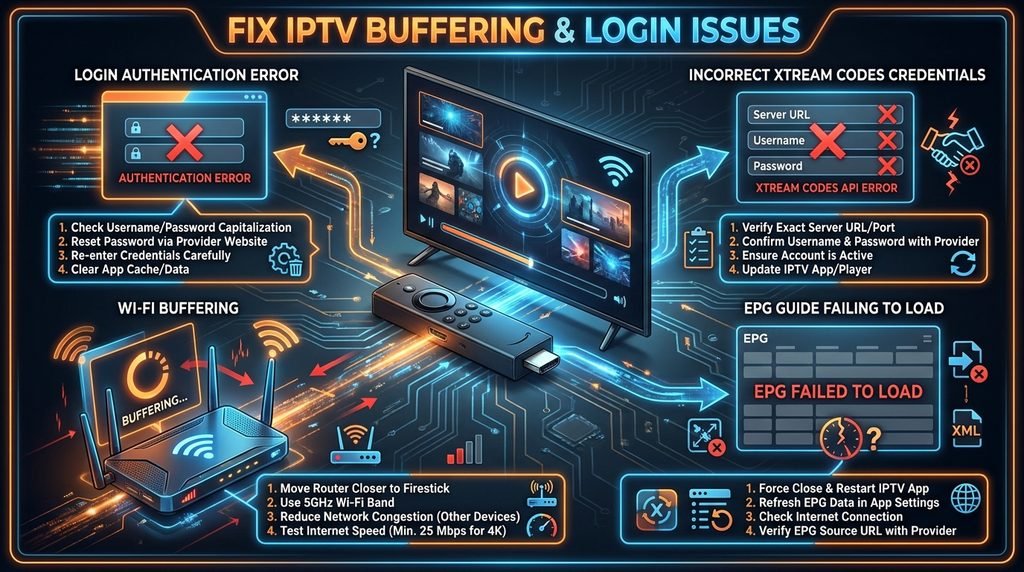
Resolving Login Failures and Incorrect Xtream Codes
If your player returns an authentication error or fails to load categories, check your input parameters. Typos in the server URL or accidental spaces added by phone keyboards are the leading cause of login failure. Verify that your subscription is fully active by checking your account status via the Instant Activation Portal. If login portal errors persist, our technical support team provides dedicated assistance outlined in our Login Portal Fixes Guide.
Overcoming Buffering and Stream Stuttering on Wi-Fi
Live television streams demand consistent data throughput. If you experience buffering during peak evening hours, test your network speed directly on the Firestick rather than a nearby mobile phone. Connecting your Fire TV device to your router using an official Ethernet adapter eliminates wireless interference. Additionally, switching your player’s internal video decoder setting from hardware decoding to software decoding (or vice-versa) often resolves codec incompatibility issues.
Trust and Methodology Block
- Editorial Authorship: Reviewed and verified by the Xtreme HD IPTV Editorial Team.
- Evaluation Basis: Technical analysis of Amazon Fire OS specifications, official media player documentation, and verified user deployment metrics.
- Last Updated: November 2026.
Frequently Asked Questions
Can I install Xtreme HD IPTV directly from the Amazon Appstore?
No. Because standard custom media players and third-party playlist clients are distributed outside official vendor marketplaces, they require sideloading via the Downloader application on Firestick.
What login information do I need to enter into my IPTV player?
You will need your Xtream Codes API parameters, which consist of your unique username, account password, and the assigned portal server URL. These details are delivered via email upon purchase.
Why is my channel guide (EPG) failing to load?
EPG loading failures usually stem from unstable network connections or outdated application cache. Clear your player app cache in Firestick settings or toggle automatic EPG updates off and on again.
Is a VPN required to use IPTV on a Firestick?
While not strictly mandatory for every network, many cord-cutters utilize a Virtual Private Network to prevent Internet Service Provider bandwidth throttling and ensure private streaming sessions.
How many devices can I stream on simultaneously?
Simultaneous connection limits depend entirely on your active subscription tier. Most standard accounts support streaming across multiple rooms as long as your active concurrent device limit is respected.
Next-step block: Ready to begin? Choose your preferred package tier, review our Instant Activation Guide, or test the service using our Free Trial to start streaming on your Firestick today.