


Xtreme HD IPTV Free Trial: 9 Smart Tests for 2026

Xtreme HD IPTV Free Trial options allow prospective users to evaluate digital television streaming performance, device compatibility, and channel availability before committing to a long-term subscription. Choosing the right testing window helps viewers verify whether a service meets their household entertainment needs. Evaluating modern streaming solutions requires looking past promotional claims and focusing on real-world performance metrics like uptime, stream stability, and device integration.
Quick Answer: An Xtreme HD IPTV Free Trial provides temporary access to live television channels, sports packages, and video-on-demand libraries. Testing a trial involves verifying network speed, setting up compatible media player apps, and assessing stream stability during peak viewing hours.
Table of Contents
Understanding Xtreme HD IPTV Free Trial Options
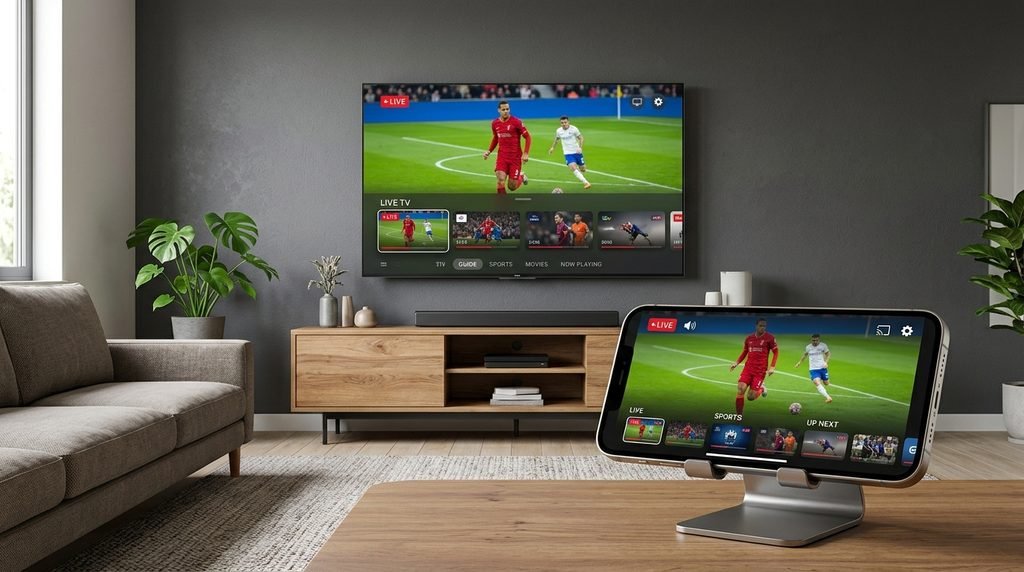
Evaluating an Xtreme HD IPTV Free Trial begins with understanding what standard evaluation windows offer. Most modern digital streaming providers structure trials to give users a comprehensive look at their server architecture, user interface responsiveness, and content variety. Viewers should examine whether the trial grants full access to regional sports networks, international channels, and electronic program guides (EPG).
What is Included in a Trial Period
A standard trial typically mirrors the features of a paid tier, giving users a direct sample of the platform’s capabilities. According to industry analysis by technology publications like PCMag, testing digital media services under normal household network conditions is essential for identifying potential throttling or buffering issues. Users should review what package tiers correspond to the trial to ensure they are testing the specific features they intend to use long-term.
Evaluating Stream Quality and Stability
Stream performance fluctuates depending on server loads, internet service provider (ISP) routing, and local network congestion. During an Xtreme HD IPTV Free Trial, users should monitor how quickly streams load and whether high-definition broadcasts maintain consistent frame rates. Testing during high-traffic evening hours provides a realistic baseline for service reliability.
| Evaluation Metric | What to Look For | Ideal Standard |
| Initial Load Time | Time required for a channel stream to buffer and play | Under 3 seconds |
| Stream Stability | Frequency of stuttering, lag, or resolution drops | Zero drops over 30 minutes |
| EPG Synchronization | Accuracy of channel programming schedules | Real-time updates |
Testing stream stability during peak evening hours reveals how the service handles high server traffic compared to off-peak testing.
Device Compatibility and Technical Prerequisites
Ensuring that your preferred hardware supports the necessary media player applications is a critical step before starting any trial. Xtreme HD IPTV Free Trial setups typically integrate with popular streaming dongles, smart TVs, and dedicated set-top boxes using standard M3U playlists or Xtream Codes API logins.
Setting Up on Streaming Hardware
Popular streaming devices such as Amazon Firestick, Android TV boxes, and NVIDIA Shield devices require specific media player apps like TiviMate or IPTV Smarters Pro to process digital streams efficiently. For detailed instructions on configuring hardware, you can review the official Amazon Fire TV Support documentation for sideloading guidelines and app installation safety. Proper setup ensures that hardware decoding is enabled, reducing processor strain during high-bitrate playback.
Network Requirements for HD and 4K Streams
Streaming live television in high definition demands reliable bandwidth and low packet loss. While standard definition feeds require minimal speed, HD and 4K broadcasts necessitate robust internet connections.
- Minimum Download Speed: 15 Mbps for stable 1080p HD streams.
- Recommended Speed: 30 Mbps or higher for multi-screen households and 4K content.
- Connection Type: Wired Ethernet connections consistently outperform Wi-Fi by eliminating wireless interference and reducing jitter.
A stable wired connection often resolves intermittent buffering issues that occur on crowded Wi-Fi networks.
How to Properly Test Service Performance
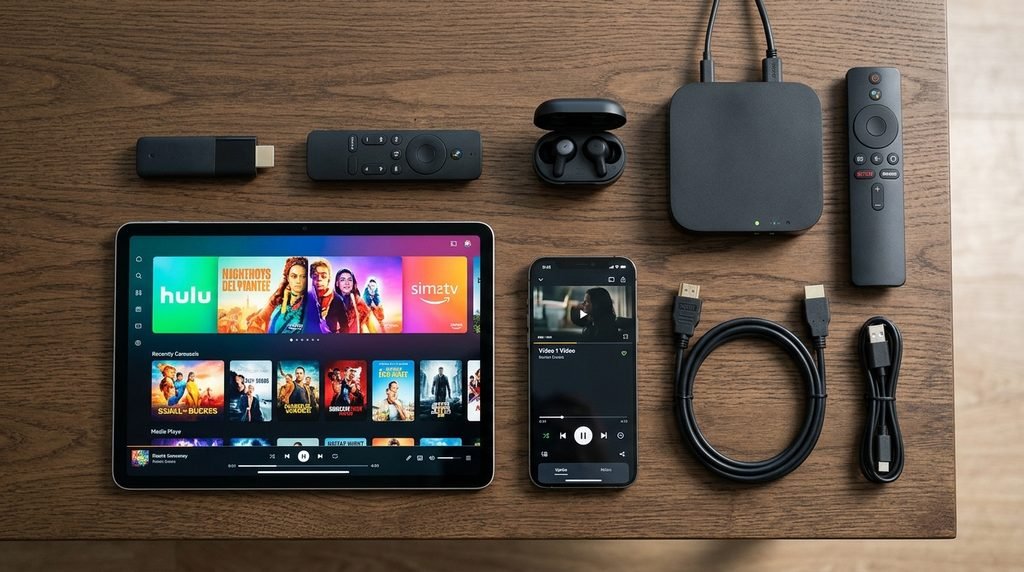
Maximizing the value of an Xtreme HD IPTV Free Trial requires a structured testing approach. Rather than casually flipping through channels, users should systematically test different content categories and features.
Checking Electronic Program Guides (EPG)
A reliable electronic program guide ensures seamless navigation across hundreds of live channels. During your trial period, verify whether channel logos load correctly and if programme descriptions match current broadcasts. Mismatched or missing EPG data can hinder navigation, especially for live sports and scheduled events.
Assessing Multi-Screen Stability
Many households utilize multiple devices simultaneously. If your configuration supports multiple connections, test streaming on two or more devices at the same time. This reveals whether the service provider’s server infrastructure maintains bandwidth allocation without causing latency spikes on secondary screens. For further insights into optimizing home network traffic for multiple video streams, consult guidance from Microsoft Support on managing home network priorities.
Systematic testing of EPG updates and multi-screen playback ensures the service meets your household’s daily entertainment demands.
Frequently Asked Questions
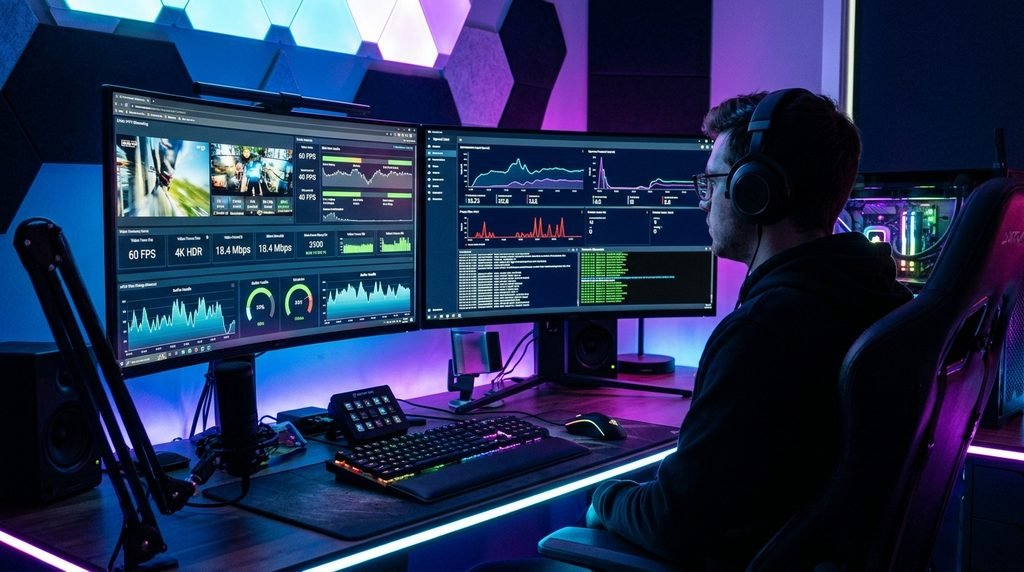
What equipment do I need for an Xtreme HD IPTV Free Trial?
You need a compatible streaming device (such as a Firestick, Android TV box, or Smart TV), a stable internet connection of at least 15 Mbps, and a supported media player application installed on your device.
Do I need a VPN to use an Xtreme HD IPTV Free Trial?
While some users employ Virtual Private Networks (VPNs) for privacy or to bypass ISP throttling, many modern IPTV setups function without a VPN if your internet provider does not restrict streaming traffic.
How long does an Xtreme HD IPTV Free Trial typically last?
Trial durations vary depending on promotional offers, usually ranging from 24 hours to a few days, providing sufficient time to test stream quality, EPG loading, and channel availability.
Can I use my trial on multiple devices at once?
Trial account permissions depend on the specific package being evaluated. Check your account dashboard to see if multi-screen streaming is enabled during your test period.
What should I do if my streams are buffering during the trial?
First, restart your router and streaming device. If buffering persists, switch from a Wi-Fi connection to an Ethernet cable or test your bandwidth speed to ensure your ISP is not throttling connection speeds.
Ready to explore further? Read our comprehensive Xtreme HD IPTV Review 2026 for an in-depth analysis of channel lineups, pricing structures, and long-term reliability.