


Xtreme HD IPTV Org: Complete Guide & Service Review

When searching for xtreme hd iptv org, users frequently look for clear, factual insights into subscription structures, streaming capabilities, device setup requirements, and overall service reliability. Finding accurate information about high-definition digital television services can be challenging amidst a crowded market of conflicting claims and promotional noise. This comprehensive guide examines how modern streaming solutions operate, what technical benchmarks matter most, and how users configure compatible applications for a stable viewing experience.
Table of Contents
Understanding the Role and Features of Xtreme HD IPTV Org
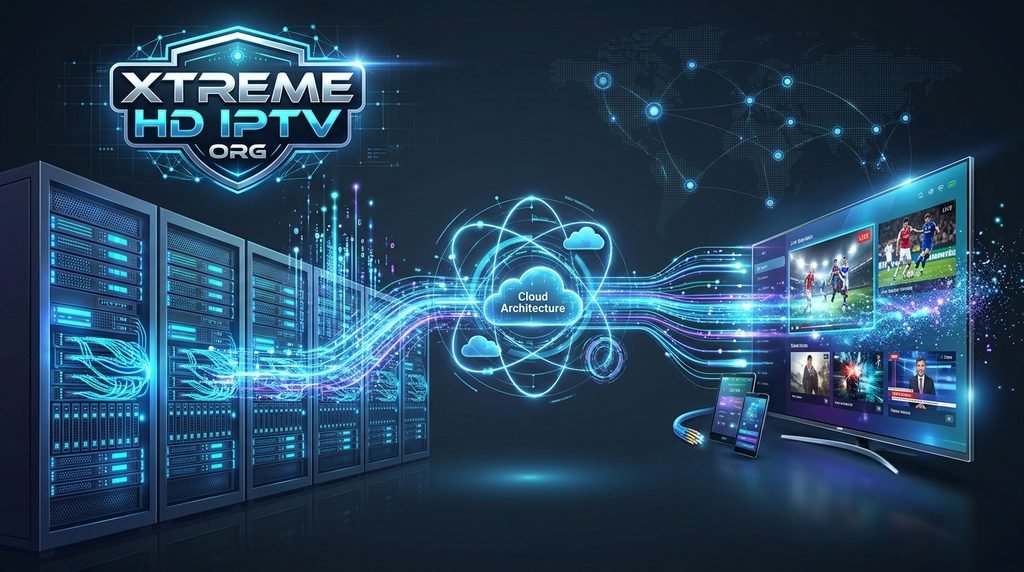
Navigating options related to xtreme hd iptv org requires a clear understanding of digital media delivery networks, server architecture, and video compression standards. Unlike traditional cable broadcasting that relies on physical coaxial cables or satellite dishes, Internet Protocol Television transmits live television channels, sports packages, and on-demand video libraries over broadband internet connections. Service platforms leverage robust content delivery networks to distribute high-definition streams efficiently across diverse geographic regions.
Core Architecture and Streaming Capabilities
Modern streaming infrastructures rely heavily on advanced streaming protocols such as HLS (HTTP Live Streaming) and MPEG-TS to transport video packets smoothly over standard internet connections. According to technical documentation published by the Internet Engineering Task Force (IETF), standardized transport protocols ensure that video bitrates adapt dynamically to network fluctuations. This underlying architecture allows platforms associated with xtreme hd iptv org to deliver consistent video frames without severe packet loss or audio desynchronization.
Device Compatibility and App Integration
Hardware versatility remains a cornerstone of modern digital television services. Users access streaming content across a wide array of consumer electronics, ranging from dedicated media players to smart television operating systems. Popular media hubs like Amazon Firestick, NVIDIA Shield, and Android TV boxes provide flexible environments where specialized media players such as TiviMate or IPTV Smarters Pro can be installed. Ensuring seamless app integration minimizes configuration errors and streamlines the authentication process using standard M3U playlists or Xtream Codes API credentials.
| Streaming Device | Recommended Player App | Minimum Recommended Bandwidth | Primary Setup Method |
| Amazon Fire Stick 4K | TiviMate / IPTV Smarters | 25 Mbps | Downloader App Sideloading |
| Android TV / Shield | TiviMate / XCIPTV | 30 Mbps | Google Play Store Download |
| Apple TV 4K | iPlayTV / IPTV Smarters | 30 Mbps | App Store Direct Installation |
| Samsung / LG Smart TV | Smart IPTV / Net IPTV | 25 Mbps | Built-in App Store Activation |
Evaluating Service Performance and Technical Requirements
Assessing the overall quality of any digital media platform involves analyzing server uptime, stream stability, video resolution options, and customer support availability. For users exploring xtreme hd iptv org, understanding these performance metrics helps set realistic expectations regarding hardware demands and network prerequisites.
Bandwidth and Internet Speed Benchmarks
High-definition and 4K ultra-high-definition video streams demand robust internet connectivity to prevent stuttering, buffering, or resolution drops. Industry benchmarks established by organizations like the Federal Communications Commission (FCC) indicate that households streaming multiple high-bitrate video feeds simultaneously require stable broadband speeds exceeding 25 to 50 megabits per second. When network congestion occurs during peak evening hours, maintaining a wired Ethernet connection instead of relying on congested Wi-Fi frequencies significantly enhances playback consistency.
Uptime Reliability and Server Stability
Server redundancy and load balancing are critical factors that determine whether a service maintains consistent operation during major live sporting events or high-traffic broadcasting windows. Providers utilize multiple geographically distributed edge servers to route traffic efficiently and minimize latency. Evaluating these infrastructural safeguards helps users understand how reliable streaming services maintain continuous uptime even when viewer demand spikes globally.
Key Takeaway: Consistent streaming performance depends as much on local home network stability and device hardware specifications as it does on remote server capacity.
Setting Up and Configuring Your Streaming Environment
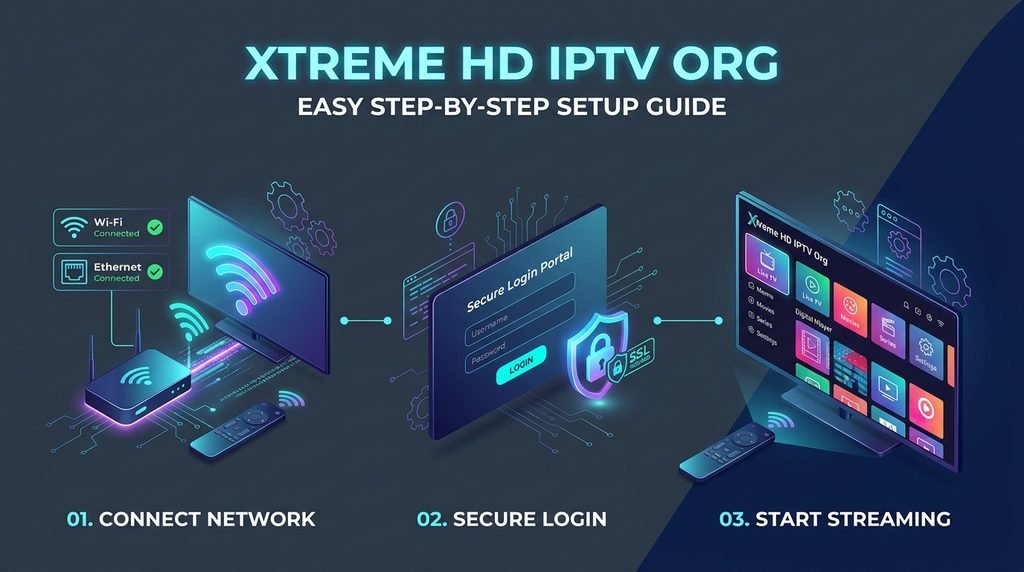
Proper configuration of your media player ensures smooth navigation through electronic program guides (EPG) and video-on-demand libraries. Whether you are setting up a new subscription or fine-tuning an existing installation, following a structured workflow prevents common login and buffering errors.
Initial Portal Configuration Steps
Getting started with your streaming application involves entering valid server URLs, usernames, and passwords provided upon activation. For a comprehensive walkthrough of account integration, you can review the official Xtreme HD IPTV Firestick Download guide.
- Install a Compatible Media Player: Download and open a trusted application like TiviMate or IPTV Smarters Pro on your streaming device.
- Select Connection Type: Choose between M3U playlist URLs or Xtream Codes API login credentials based on your subscription details.
- Enter Account Credentials: Input your server address, username, and password accurately without leading or trailing spaces.
- Update Electronic Program Guide (EPG): Refresh the channel list and guide data to populate current program schedules and network logos.
Optimizing Playback Quality and Avoiding Buffering
Even with high-speed internet, minor network bottlenecks can occasionally trigger video buffering. Adjusting internal buffer sizes within your media player settings—such as setting player cache to “Large” in advanced settings—allows the app to pre-load a larger data chunk before rendering video frames. Additionally, clearing application cache regularly and restarting your home router helps eliminate temporary memory constraints.
Frequently Asked Questions About Xtreme HD IPTV Org
What does xtreme hd iptv org refer to?
It typically refers to informational queries and guides concerning subscription features, setup instructions, and device compatibility for Xtreme HD IPTV services.
What internet speed is required for 4K streaming?
A stable broadband connection of at least 30 to 50 Mbps is recommended to stream high-definition and 4K video feeds without interruptions.
Which media players work best with the service?
Popular and reliable media player applications include TiviMate, IPTV Smarters Pro, and XCIPTV running on compatible Android, Fire OS, or Apple devices.
How do I resolve login portal errors?
Double-check your server URL, username, and password for typos, ensure your internet connection is active, and verify account status via the Xtreme HD IPTV Login Portal guide.
Are VPN services required for streaming?
While many users stream without virtual private networks, utilizing a secure VPN can help bypass ISP bandwidth throttling during peak viewing hours.
Ready to get started? Explore theXtreme HD IPTV Pricing Plansto compare available subscription tiers and choose the ideal option for your home entertainment setup.
