


American IPTV Box Buying Guide: Devices, Apps & Rights
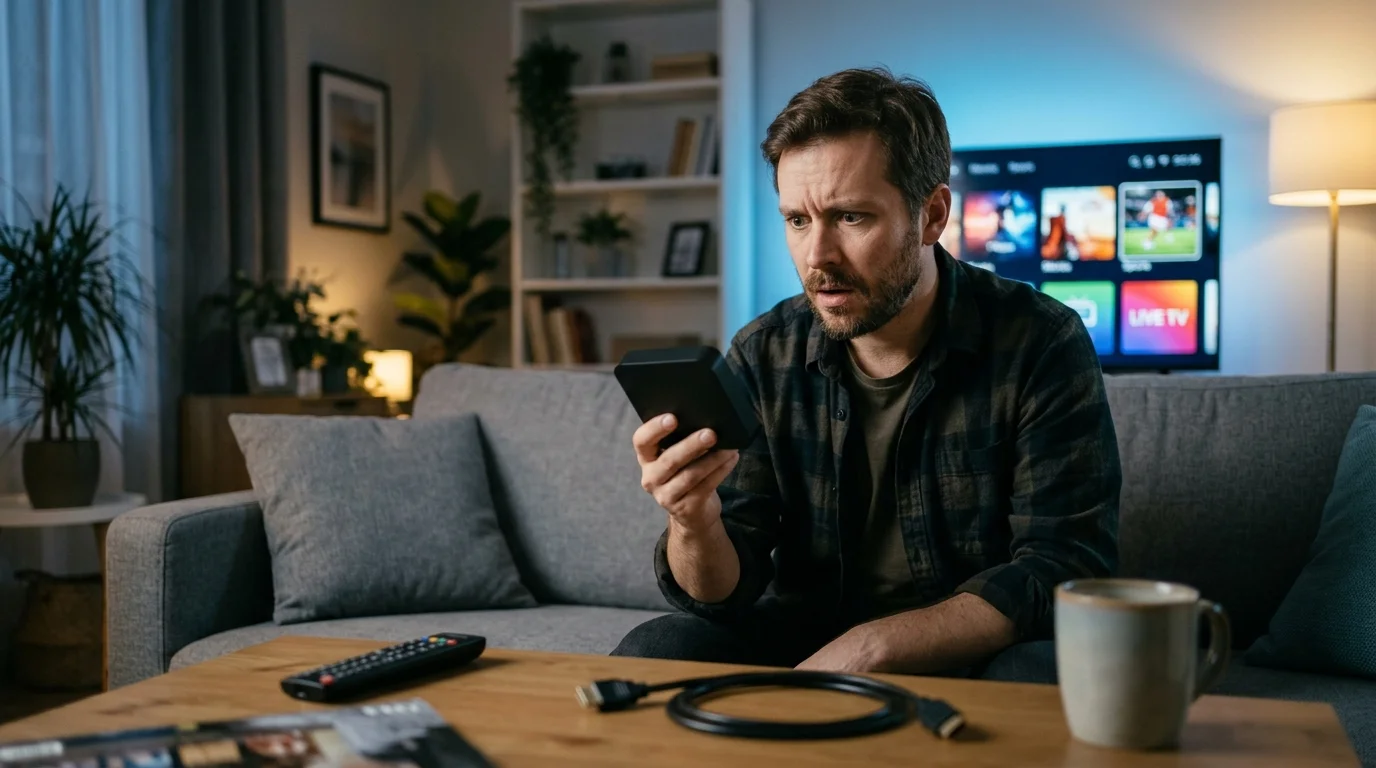
Buying an american iptv box can mean purchasing a dedicated streaming device, choosing an Android or Google TV box, or finding a service that focuses on American television. These are different decisions, and confusing them can lead to unnecessary hardware costs or a subscription that does not work with your equipment.
Quick Answer: An American IPTV box is not necessarily a unique type of hardware. Before buying one, check the operating system, compatible streaming applications, network connections, subscription terms, and whether the provider can substantiate its content-distribution rights. A device you already own may be sufficient if the required application supports it.
For viewers considering Xtreme HD IPTV, the same principle applies: verify compatibility with your specific device and review the current subscription details before committing to a plan.
Table of Contents
What does “American IPTV box” actually mean?
The phrase can describe a streaming device used to watch internet-delivered television in the United States, a product sold under a particular name, or a box bundled with a subscription. The product listing matters because the hardware, its software, and the television service are separate components.
A general category or a specific product?
Search results illustrate why the wording deserves attention. Some guides use the phrase generically, while American Digitals lists a product called AmericanIPTVBOX. Its displayed price is $365, but the listing also contains an out-of-stock/waitlist message. Confirm its actual availability, specifications, and return conditions directly with the seller before considering a purchase.
When evaluating a listing, determine which of these categories it belongs to:
- Streaming hardware: A stick or box connected to a television through HDMI, with access to compatible applications.
- IPTV player application: Software that can display a supported playlist or connect to a compatible service. The player does not necessarily provide channels.
- Subscription service: The provider supplying the streams, account credentials, programming guide, or other service features.
- Hardware-and-service bundle: A purchase combining a device with an advertised subscription. The included service, duration, renewal terms, and support arrangements need independent verification.
The word “American” may refer to the intended market or programming focus. It is not, by itself, proof of US-made hardware, a specific technical standard, better performance, or authorization to distribute particular channels.
The difference between hardware, apps, and subscriptions
Imagine buying a new streaming box because its seller advertises thousands of television channels. The box arrives, connects to your television, and opens successfully, but the advertised application is unavailable or the supplied subscription credentials do not work.
That scenario illustrates three separate possible failures: the device may not support the necessary software, the application may be incorrectly configured, or the service itself may have an account or availability problem. Purchasing more powerful hardware would not automatically solve the latter two issues.
Evaluate the device and service separately. This makes it easier to identify the actual source of a problem and prevents a marketing claim about one component from being mistaken for proof about the others.
Which IPTV box is right for a US household?
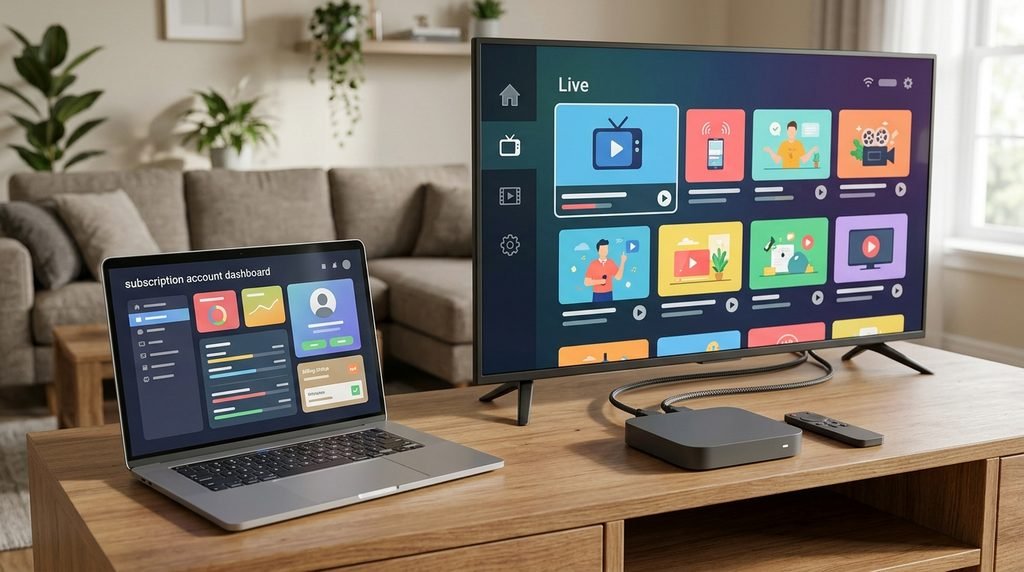
The best option depends on your television, existing equipment, preferred applications, network setup, and willingness to manage a separate device. A dedicated IPTV box is not automatically better than a mainstream streaming stick or a television that already supports the application you need.
Use a device you already own first
If your current Smart TV, streaming stick, or TV box supports the desired application, you might not need to purchase additional hardware. Start by identifying your exact model and operating system, then verify whether the application is available and supported.
For Google TV, Google’s official app installation guide explains how to find and install applications through the platform.
For Amazon devices, consult the official Fire TV device specifications. Amazon documents multiple device generations and their respective features, so checking the precise model is more reliable than assuming every Fire TV device has identical capabilities.
Device comparison: strengths and trade-offs
The following table compares device categories by practical selection criteria. It is a decision aid based on platform documentation and product-category characteristics, not a laboratory performance test or an independently verified product ranking.
| Device category | Potential advantage | What to verify first |
|---|---|---|
| Existing Smart TV | No additional hardware purchase | TV model, app availability, software updates |
| Amazon Fire TV Stick | Compact design and a dedicated remote | Exact model, operating system, supported installation method |
| Google TV or Android TV box | Television interface with supported streaming apps | App availability, operating-system version, available storage |
| Dedicated IPTV set-top box | May provide a remote and connections designed for television use | Supported services, firmware support, Ethernet, return policy |
| Unknown or preloaded box | May advertise a ready-to-use bundle | App origins, provider identity, content rights, privacy, refund terms |
These categories are not interchangeable, and a more expensive product is not automatically the best choice. Your priority should be verified compatibility and reliable support rather than the largest advertised channel count.
When is a dedicated box worth buying?
A dedicated box may make sense if your existing television cannot run the required application, you need a particular remote-control experience, or you want a wired Ethernet connection that your current setup lacks.
Before purchasing, compare the total cost of hardware and the intended subscription. Also check whether the device receives firmware updates, offers sufficient storage for your needs, and has a clear warranty or return process.
Be especially cautious of packages marketed as “fully loaded,” “lifetime TV,” or “all channels included.” Those descriptions do not establish how long the service will remain available or whether its programming is authorized.
How can you verify compatibility, value, and provider trust?
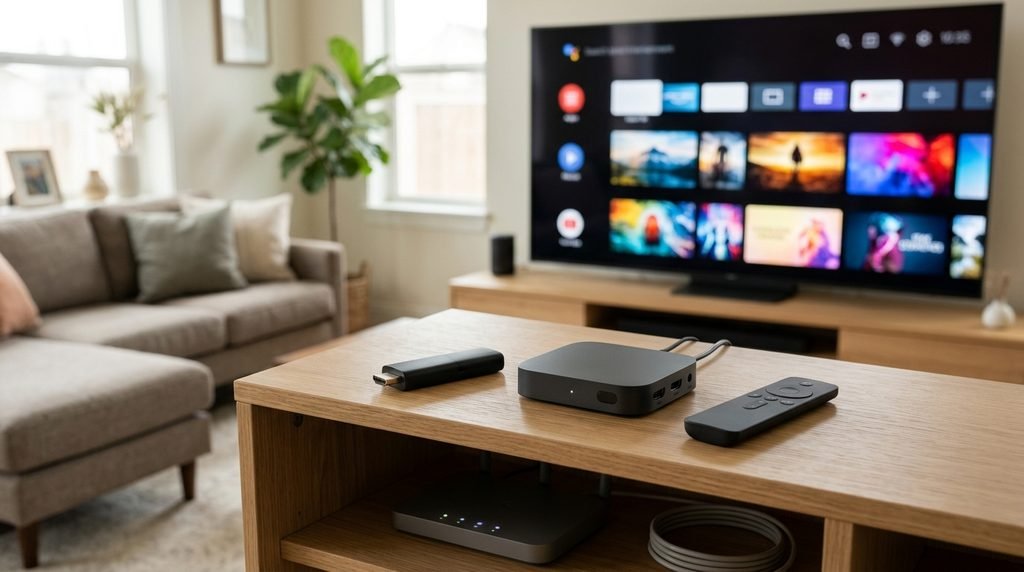
Evaluate the whole viewing setup rather than judging a box by its appearance or advertising. The most useful checks concern application support, connectivity, operating-system compatibility, subscription transparency, and credible information about content rights.
Original decision aid: the pre-purchase matrix
Use this matrix to decide what to do before spending money.
| Your situation | Recommended next action | Buying decision |
|---|---|---|
| Your Smart TV already supports the application | Confirm the exact model and installable app version | Try the existing TV first |
| You need a simple, compact setup | Compare streaming sticks with verified app support | Buy only after checking compatibility |
| You want a remote designed for live television | Compare dedicated boxes and their supported software | Check firmware and return terms |
| You need a wired network connection | Confirm the box has Ethernet or a compatible adapter | Compare the complete networking setup |
| A seller promises thousands of channels for a one-time payment | Request written terms, product specifications, and proof of service authorization | Do not rely on the headline claim |
| The provider cannot explain refunds, renewal, or support | Request clear written terms before paying | Avoid committing until the questions are resolved |
The matrix is based on documented platform capabilities and standard pre-purchase checks. No hardware has been personally tested for this article, and the table does not imply that any particular product will perform better in every home.
Check internet performance, resolution, and networking
An IPTV device needs a suitable internet connection, but advertised broadband speed alone does not guarantee consistent playback. Network congestion, Wi-Fi signal strength, the provider’s infrastructure, the video’s bitrate, and simultaneous household usage can all affect the experience.
Check these factors before spending extra on equipment:
- Connection: Confirm whether the device supports the Wi-Fi standard or Ethernet connection you intend to use.
- Available bandwidth: Review the service’s documented requirements, allowing for other devices using the same connection.
- Resolution: Confirm that the device, television, application, and source stream support the desired resolution. A box advertising 4K does not convert every stream into native 4K.
- Storage and software: Check the available storage, supported application installation method, and update policy.
- Troubleshooting: If playback is unstable, test the connection and another application before assuming the box itself is faulty.
For example, if ordinary streaming applications work reliably but one IPTV service repeatedly fails, investigate that service’s application, account, or stream availability before replacing the box. If multiple applications fail, examine the device and network first.
Verify software, content rights, and subscription terms
Hardware compatibility is only one part of the purchase decision. A suitable box can still connect to a service whose advertised channels, support, or subscription conditions cannot be independently confirmed.
Before paying, look for a clearly identified provider, written pricing, renewal and cancellation conditions, contact details, refund terms, and an explanation of supported devices. A trial can help you evaluate genuine technical compatibility, but it does not prove that a service is authorized to distribute every program it advertises.
The US Copyright Office’s explanation of unauthorized streaming discusses how unauthorized streaming can implicate copyright holders’ public-performance rights. This should not be mistaken for a determination about every IPTV service or any specific provider; check the circumstances and applicable law rather than assuming all IPTV is lawful or unlawful.
Also avoid installing applications from unverified download links simply because a seller recommends them. Prefer documented installation methods, confirm the application’s publisher, and review the permissions requested by the software.
Where does Xtreme HD IPTV fit?
Xtreme HD IPTV is the publisher brand for this guide. Its published homepage describes support for device categories including Fire TV/Firestick, Android, and Smart TVs. That is a vendor-published compatibility claim rather than independent verification for every individual device model.
If you’re considering the service, verify the exact model and operating-system version with the provider. Ask which application and installation method are supported, whether the proposed subscription covers your intended number of simultaneous connections, and how billing, renewals, and refunds work.
The publisher’s pricing page is the appropriate starting point for reviewing the advertised plans. Confirm the current checkout total and terms rather than relying on an older search result or an undated promotional claim.
The distinction is straightforward: the device handles playback, the application provides the interface, and the provider supplies the service. Each part needs its own compatibility and trust checks.
Trust and methodology
- Byline: Xtreme HD IPTV Editorial Team.
- Research basis: Public search results, accessible product listings, the publisher’s publicly accessible pages, official Amazon and Google documentation, and the US Copyright Office’s published material.
- Evaluation criteria: Device compatibility, software installation, networking, advertised service terms, content-rights transparency, and availability of customer support.
- Last updated: October 23, 2026.
- Testing disclosure: No hands-on hardware tests, independent streaming benchmarks, or verification of channel-distribution agreements were performed. Product and service claims are identified as such rather than presented as independent test results.
What should you know before choosing an American IPTV box?
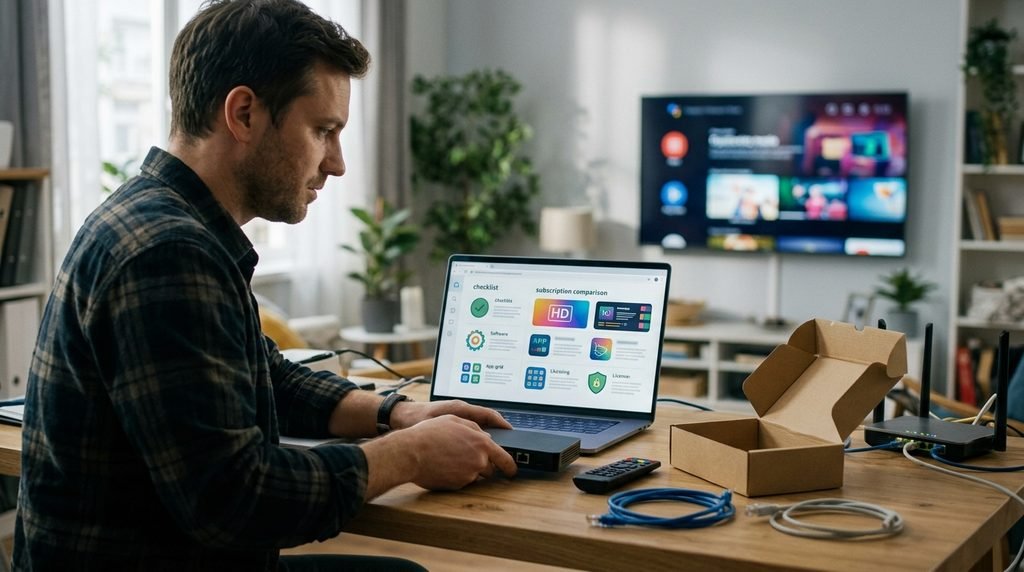
These frequently asked questions address common purchase decisions that can otherwise lead to incompatible equipment, unexpected subscription costs, or poorly documented services.
What is an American IPTV box?
The phrase can describe a streaming device used to access American television over the internet or a specific product marketed under that name. Confirm whether a listing sells hardware alone or bundles hardware with a separate television subscription.
Do I need a dedicated box to watch IPTV?
Not necessarily. A compatible Smart TV, streaming stick, or existing TV box may be sufficient. Verify application support and your device’s operating system before buying additional hardware.
Is Amazon Fire TV compatible with every IPTV application?
No. Compatibility depends on the particular device, operating system, application, and supported installation method. Check Amazon’s specifications and confirm support for your exact model.
Does an IPTV box automatically include television channels?
No. A device may provide only the hardware and software. Channels and on-demand content commonly depend on a separate service, account, application, or subscription.
How can I check whether an IPTV provider has distribution rights?
Ask the provider for clear information about its authorization to distribute the relevant programming, and look for substantiating documentation. Large channel counts, low prices, and free trials are not proof of content rights.
Is Xtreme HD IPTV compatible with my box?
The publisher advertises broad support for categories such as Fire TV/Firestick, Android, and Smart TVs. Confirm your exact model, operating-system version, installation method, and current subscription conditions before paying.
Next step
Before purchasing an American IPTV box, write down your television or device model and the service you intend to use. Confirm compatibility with the provider, then verify the complete price and subscription terms before making a commitment.
