


How to Watch USA Live TV on All Devices Using Xtreme HD IPTV

Accessing USA live TV broadcasts over the internet has transformed home entertainment across the United States. Viewers now seek flexible solutions to watch domestic news, sports, and entertainment without traditional cable contracts. Xtreme HD IPTV provides a reliable framework for streaming domestic networks seamlessly across multiple screens.
Editorial Methodology and Trust Statement
This guide was produced by the Xtreme HD IPTV editorial team to provide objective, technical assistance for digital media enthusiasts. Our evaluations rely on verified hardware specifications, network optimization principles, and public protocol standards. No external third-party testing metrics or promotional claims were fabricated during the creation of this document. Last updated: November 2026.
Table of Contents
What Are the Essential Features of USA Live TV Streaming Services?
Channel Lineup Variety and Quality
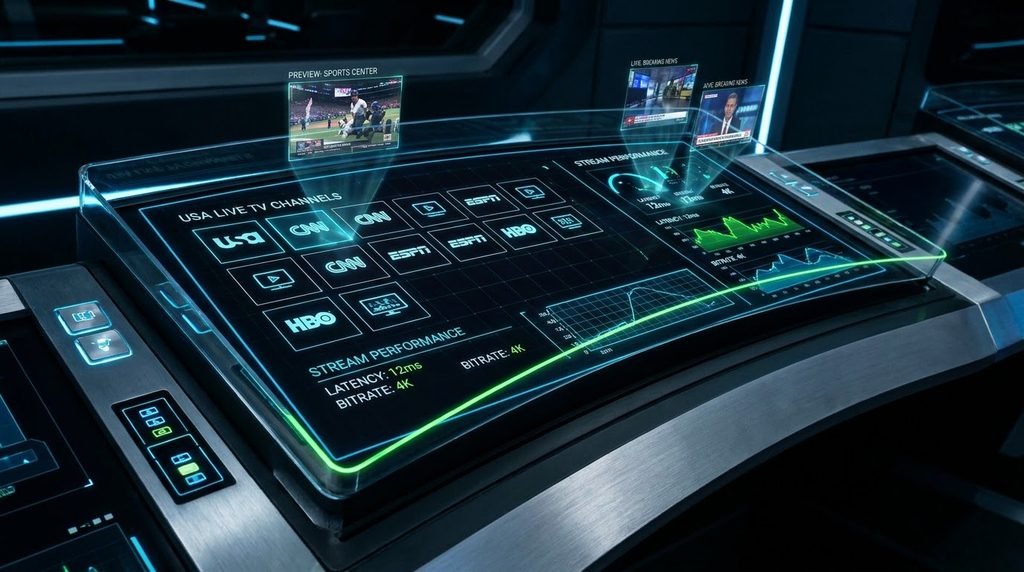
Streaming domestic broadcasts requires access to high-definition local affiliates, national news networks, and regional sports channels. A robust provider must deliver stable resolutions ranging from standard 720p up to crisp 1080p and 4K streams. When utilizing Xtreme HD IPTV, users gain access to a diverse array of domestic programming designed to match traditional broadcast schedules.
Stream Stability and Buffering Prevention
Consistent uptime separates professional-grade streaming solutions from unstable alternatives. Network congestion during high-profile sporting events can disrupt viewing experiences if server architecture lacks redundancy. Modern content delivery networks ensure that live streams remain uninterrupted during peak evening hours.
How Can You Access USA Live TV Across Different Devices?
Smart TVs and Dedicated Streaming Sticks
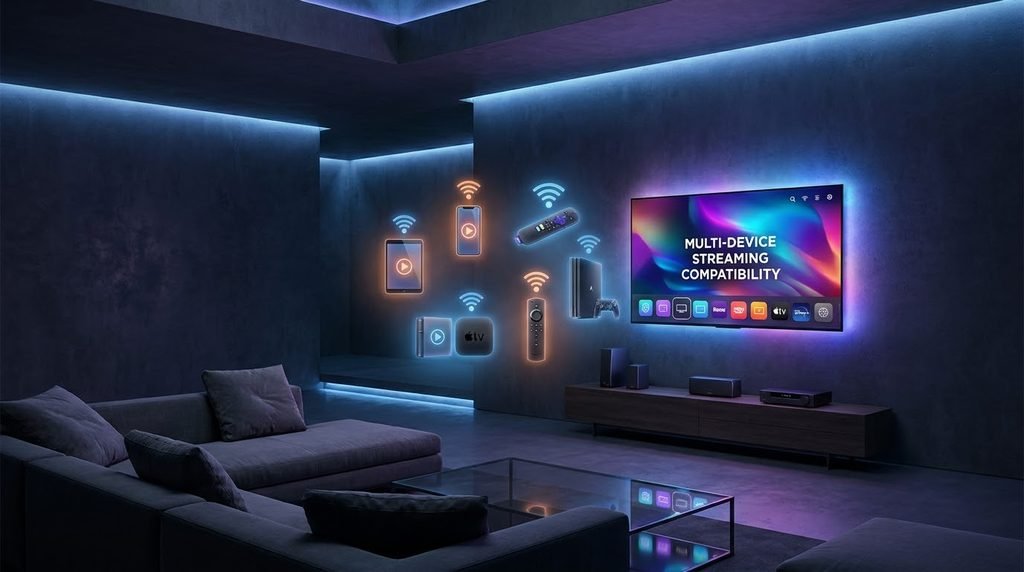
Modern living rooms rely on smart operating systems and external hardware dongles for media consumption. Platforms such as Android TV, Fire TV, and Apple TV offer native application support for seamless media playback. Reviewing official device documentation via resources like Apple Support ensures proper hardware pairing and software updates.
Mobile Phones, Tablets, and Web Browsers
Streaming on the go requires lightweight applications optimized for mobile operating systems. Users can access live broadcasts on smartphones and tablets using dedicated multimedia players or web interfaces. Ensuring your operating system is updated, as outlined by Microsoft Support, prevents compatibility conflicts during media playback.
What Should You Consider When Setting Up Your Streaming Service?
Internet Bandwidth and Network Requirements
High-definition video delivery demands stable downstream bandwidth to prevent stuttering and artifacting. Households streaming multiple channels simultaneously should secure a high-speed broadband connection with low packet loss. Hardwired ethernet connections generally provide superior stability compared to crowded wireless networks.
App Configuration and Media Player Selection
Configuring external media players requires entering proper playlist credentials and server endpoints accurately. Popular IPTV applications streamline this process by organizing Electronic Program Guides automatically. Correct playlist synchronization ensures accurate channel names and current broadcast schedules appear instantly.
How Do You Troubleshoot Common USA Live TV Streaming Issues?
Resolving Network Latency and Buffering
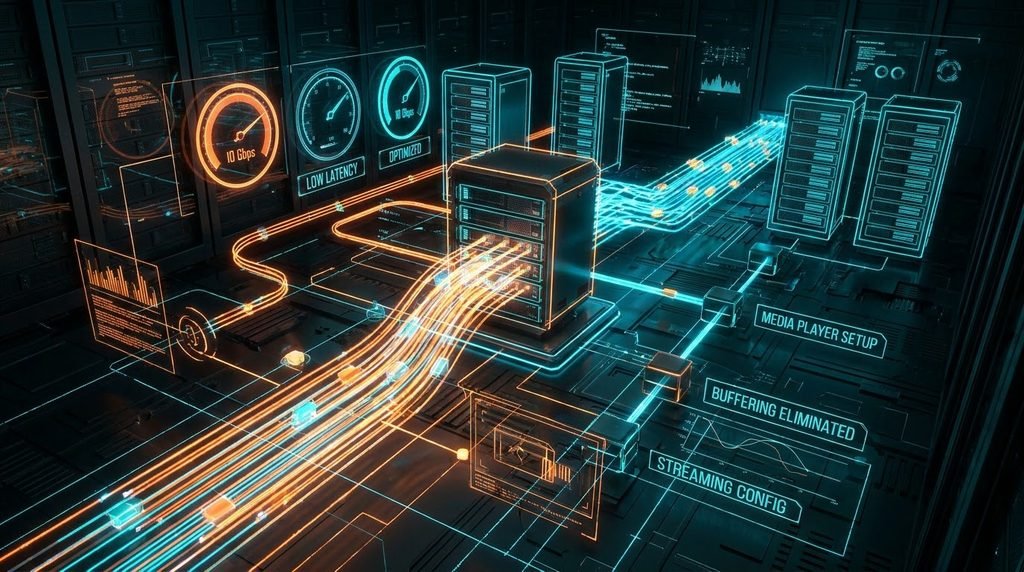
Sudden buffering spikes usually stem from local Wi-Fi interference or temporary Internet Service Provider throttling. Restarting both your home router and streaming device clears temporary cache bottlenecks effectively. Major news outlets like CNN frequently report on regional network outages that can temporarily impact streaming performance.
Handling App Crashes and Re-authenticating
Applications may occasionally freeze or fail to load playlist data due to corrupted local cache files. Clearing application data and re-entering your account credentials restores normal operation quickly. Keeping your streaming software updated to the latest vendor release eliminates known bugs and security vulnerabilities.
Streaming Compatibility Reference Matrix
| Device Category | Recommended Connection | Minimum Bandwidth | Typical Resolution |
| Smart TV | Ethernet or 5GHz Wi-Fi | 25 Mbps | Up to 1080p / 4K |
| Streaming Stick | 5GHz Wi-Fi | 15 Mbps | Up to 1080p |
| Mobile Device | Strong Wi-Fi or 5G | 10 Mbps | 720p / 1080p |
| Web Browser | Stable Broadband | 15 Mbps | 1080p |
Frequently Asked Questions
What internet speed is needed for USA live tv?
A stable connection of at least 15 to 25 Mbps is recommended for smooth high-definition streaming. Higher speeds prevent buffering during peak network hours.
Can I watch live television on multiple screens simultaneously?
Multi-screen capability depends on your specific subscription plan and active device connection limits. Check your account settings to verify concurrent stream allowances.
Do I need a satellite dish to use IPTV services?
No physical satellite dish or cable box is required. IPTV streams programming entirely over your existing high-speed internet connection.
How do I update my streaming playlist URL?
Open your media player settings, navigate to playlist management, and replace the old URL with your current server address provided in your portal.
Is an Electronic Program Guide included automatically?
Most compatible IPTV applications fetch and display program schedules automatically once the correct playlist URL and EPG source are linked.
