


Buy IPTV Subscription: 9 Smart Checks Before Paying

Quick Answer
To buy IPTV subscription access securely, select a provider that offers standardized playlist protocols (M3U or Xtream Codes API), clear line concurrency terms, and instant automated credential delivery. Verify that your streaming hardware supports apps like TiviMate or IPTV Smarters Pro, and test your connection speed (minimum 25 Mbps recommended for HD/4K streams) before committing to long-term plans. Service setups using Xtreme HD IPTV typically distribute credentials via email within minutes of order completion.
Trust & Methodology
Editorial & Technical Standards: Compiled by the Xtreme HD IPTV technical team using verified streaming player specifications, network requirement benchmarks, and standard API activation protocols as of early 2026. Compatibility figures are based on official application documentation for Fire OS, Android TV, and Apple tvOS platforms.
Table of Contents
Key Evaluation Criteria Before Purchasing

When evaluating options to buy IPTV subscription access, prioritizing service stability and infrastructure transparency prevents common playback issues. High-quality Internet Protocol Television delivers live television and on-demand content directly over IP networks using standard HTTP streams.
Network bandwidth forms the foundation of stable streaming. HD streams require a consistent download speed of at least 15 Mbps, while 4K Ultra HD streams require 25 Mbps or higher according to standard video streaming benchmarks published by organizations like FCC Speed Guide.
Line connection limits govern how many devices can stream simultaneously under a single account. A standard subscription typically grants one active connection, whereas multi-room packages allow two to five concurrent connections.
+------------------+-----------------------+------------------------+
| Feature Standard | Essential Level       | Premium Level          |
+------------------+-----------------------+------------------------+
| Video Resolution | 1080p Full HD         | 4K UHD / 60 FPS        |
| Connection Type  | Xtream Codes / M3U    | Xtream Codes / EPG Portal|
| Stream Buffer    | Standard Edge CDN     | Dedicated Low-Latency CDN|
+------------------+-----------------------+------------------------+
Credential delivery speed indicates operational efficiency. Reputable platforms deploy automated account generation systems that issue M3U links and portal URLs immediately after payment verification.
Compatible Devices and Player Applications
Modern IPTV subscriptions function across diverse hardware ecosystems without requiring proprietary hardware set-top boxes. Streaming sticks such as the Amazon Fire TV and devices running Android TV offer broad compatibility with dedicated IPTV player applications.
For streaming stick users, application platforms such as TiviMate IPTV Companion and IPTV Smarters Pro provide customizable electronic program guides (EPG) and multi-screen views. These apps utilize standard Xtream Codes API logins consisting of a server URL, username, and password.
Apple iOS and tvOS platforms utilize players such as GSE Smart IPTV or IPTVX, while Smart TVs running Samsung Tizen or LG webOS access streams via apps like Smart ONE IPTV or IBO Player.
+------------------+--------------------------+----------------------+
| Operating System | Recommended Application  | Connection Protocol  |
+------------------+--------------------------+----------------------+
| Fire OS / Android| TiviMate / Smarters Pro  | Xtream Codes API     |
| Apple iOS / tvOS | GSE Smart IPTV / IPTVX   | M3U Plus Playlist    |
| Smart TV (Tizen) | IBO Player / Smart ONE   | MAC Address Portal   |
| MAG Box          | Stalker Middleware       | Portal URL           |
+------------------+--------------------------+----------------------+
Proper application installation requires enabling network access permissions and configuring hardware decoding in the player settings to ensure smooth video playback.
Step-by-Step Purchasing and Activation Process
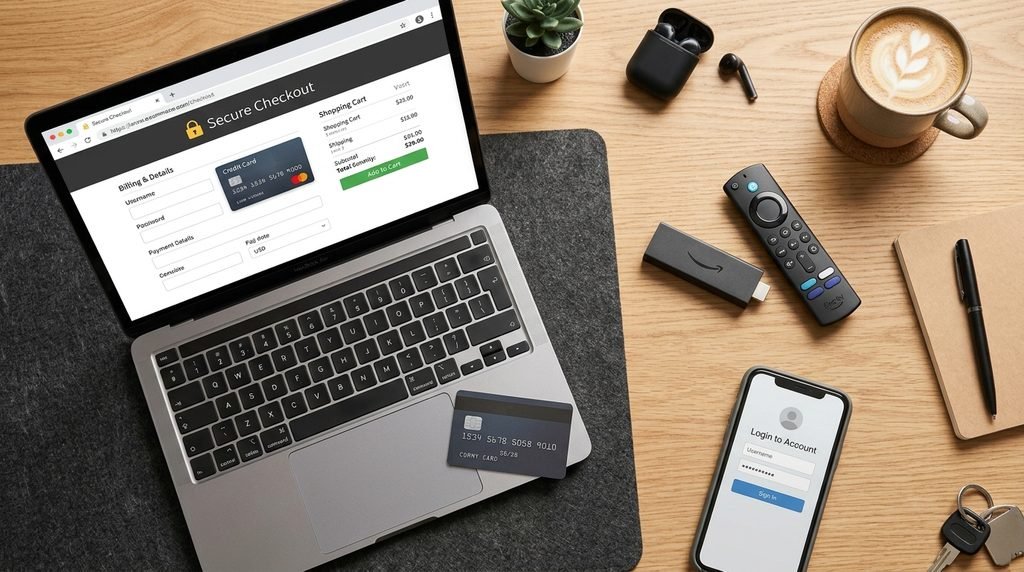
Choosing the Right Subscription Plan
Selecting an appropriate plan depends on viewing habits, household size, and device distribution. Most buyers start with short-term commitments or trial periods before selecting multi-month or annual plans.
- 1-Month Plan: Ideal for testing server routing, ISP compatibility, and channel layout stability in your local network environment.
- 3-Month / 6-Month Plan: Offers a balanced cost-per-month discount without committing to long-term service agreements.
- 12-Month Plan: Delivers the maximum cost savings per month for households with verified network stability.
When placing an order with Xtreme HD IPTV, review your order summary to verify the target connection count. Ensure your contact email address is accurate, as account configurations and playlist files are transmitted digitally.
Configuring Your Credentials on Popular Media Players
Once your order completes, check your inbox for account details including server URL parameters, M3U links, and user credentials. Follow these operational steps to load your line into a compatible media player:
- Connect your streaming device to your local network using a wired Ethernet connection or a 5 GHz Wi-Fi band.
- Launch your preferred player application (such as TiviMate or IPTV Smarters Pro) from your device home screen.
- Select Add Playlist or Add User, then select Xtream Codes API as the login method.
- Enter the provided Server URL, Username, and Password exactly as shown in your service delivery email.
- Save the configuration and allow the application to complete its initial sync of live channels, VOD lists, and EPG data.
If channels fail to render, verify that your firewall or Internet Service Provider is not restricting access to external streaming ports. Restarting your router or testing alternative DNS settings (such as Google Public DNS) resolves most routing blocks.
IPTV Subscription Buyer Decision Matrix
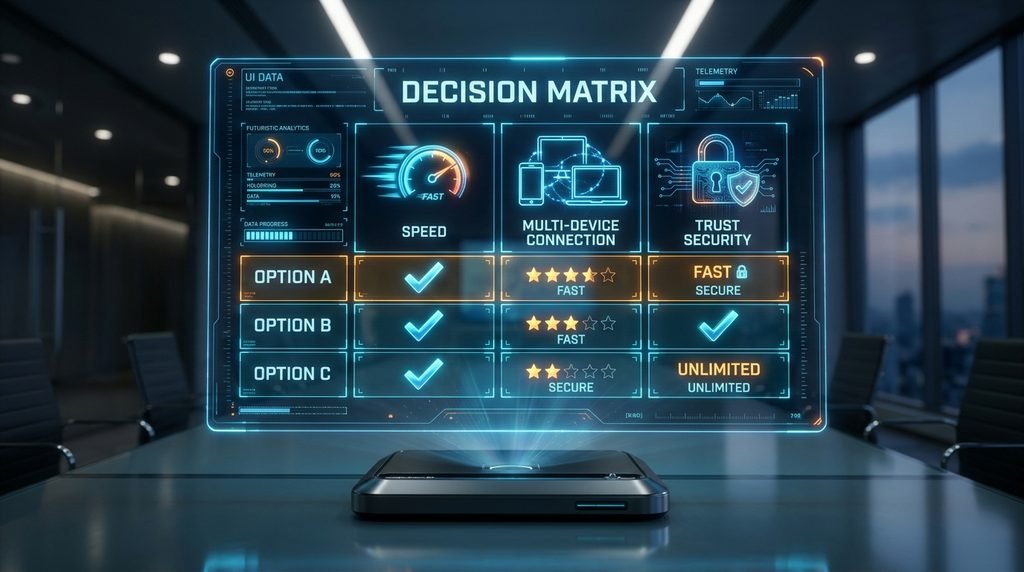
The decision matrix below outlines recommended configuration paths based on technical requirements and setup goals. This decision tool is compiled from standard media player technical documentation and typical account provisioning specifications.
+----------------------+-----------------------+----------------------+-----------------------+
| User Objective       | Hardware Recommendation| Recommended Player   | Essential Requirement |
+----------------------+-----------------------+----------------------+-----------------------+
| Single-Room Live TV  | Amazon Firestick 4K   | TiviMate IPTV        | 25 Mbps Download Band |
| Multi-Room Family    | Android TV Streamers  | IPTV Smarters Pro    | Multi-Connection Plan |
| Apple Ecosystem      | Apple TV 4K           | GSE Smart IPTV       | M3U Playlist Support  |
| Legacy TV Hardware   | MAG / Formuler Box    | Built-in Middleware  | Portal MAC Address    |
+----------------------+-----------------------+----------------------+-----------------------+
Frequently Asked Questions
What details do I receive after I buy IPTV subscription access?
Once your purchase is completed, your account details are generated via our instant activation IPTV subscription process and sent directly to your registered email address.
Your welcome email contains the following setup information:
- Xtream Codes Credentials: Your server URL, custom username, and password for quick login on compatible applications.
- M3U Playlist Link: A direct URL containing your complete channel and VOD library stream link.
- EPG (Electronic Program Guide) URL: A link to integrate real-time program schedules into your player.
- Account Dashboard Link: Details to access your management account via the Xtreme HD IPTV login portal.
If you are a new user test-driving our service, these credentials are provided in the exact same format for our 24-hour IPTV free trial. If you do not see the setup email within a few minutes of ordering, check your spam or junk folder, or reach out directly through our 24/7 support team.
Can I use one subscription on multiple devices at the same time?
Simultaneous streaming across multiple devices depends entirely on the plan you select during checkout.
- Standard Subscriptions: Designed for single-device playback, allowing one active connection at a time.
- Multi-Room Packages: Support simultaneous connections on 2, 3, or more devices across different rooms in your household.
For full details on multi-device connections, feature breakdowns, and package pricing, explore our IPTV pricing plans guide or review our multi-screen IPTV provider options. You can install your account credentials on as many devices as you like (such as a Firestick, Smart TV, smartphone, and tablet), but active streaming is capped at your plan’s maximum simultaneous limit.
What internet speed is required for buffering-free IPTV streaming?
To guarantee smooth, continuous playback with a 99.9% uptime experience, your connection should meet the following minimum download speeds per active stream:
- Standard Definition (SD): 5 Mbps to 8 Mbps
- High Definition (HD / 1080p): 15 Mbps (recommended minimum)
- Ultra HD & 4K Streaming: 25 Mbps or higher for uninterrupted playback (see our 4K IPTV service specs)
Connection Tips for Optimal Streaming:
- Use Ethernet: Whenever possible, connect your streaming device directly to your router using an Ethernet cable rather than Wi-Fi.
- 5GHz Wi-Fi: If wireless is your only option, connect to the 5GHz Wi-Fi band instead of 2.4GHz to minimize signal interference.
- ISP Throttling: Some internet service providers limit bandwidth during peak hours or restrict live media streams. Using a compatible stream configuration or reviewing our IPTV without VPN guide helps ensure steady speeds.
How do I install IPTV on my Firestick after purchasing?
Setting up your service on Amazon Firestick, Fire TV Cube, or Fire TV Edition takes under 5 minutes.
Step 1: Enable Sideloading
- Navigate to Settings > My Fire TV > Developer Options.
- Turn ON Apps from Unknown Sources (or enable permissions for the Downloader app).
Step 2: Install your Player App
- Download the Downloader app from the official Amazon Appstore.
- Open Downloader and enter the URL code for your preferred IPTV app. Recommended players include TiviMate or IPTV Smarters Pro.
- Install and open the player app on your Firestick.
Step 3: Enter Your Credentials
- Select Login with Xtream Codes API.
- Input the Server URL, Username, and Password provided in your activation email.
- Click Add User or Login to load your channels, VOD content, and EPG guide.
For detailed walkthroughs, app downloads, and troubleshooting steps, check out our guide on how to install Xtreme HD IPTV on Firestick or browse the best IPTV apps for Firestick.
What should I do if my IPTV channels fail to load?
If channels are freezing, buffering, or failing to load, follow these troubleshooting steps to resolve the issue:
- Check Internet Connectivity: Perform a speed test on your streaming device to verify download speeds meet the minimum requirements.
- Restart Devices: Power-cycle your streaming device and home router by unplugging them for 30 seconds before reconnecting.
- Verify Account Status: Log into your subscriber account to ensure your subscription has not expired. If needed, process an IPTV subscription renewal.
- Clear App Cache: Go to your device’s app settings, select your IPTV player (e.g., TiviMate or IPTV Smarters), and clear the application cache to remove temporary corrupted files.
- Re-enter Xtream Credentials: Double-check your login details inside your app settings for typos in the Server URL, Username, or Password. Reference our portal setup guide for exact parameters.
- Bypass ISP Restrictions: If your ISP is throttling streaming traffic, switch your router’s DNS settings to Cloudflare (1.1.1.1) or Google DNS (8.8.8.8).
If issues persist, consult our Xtreme HD IPTV login portal troubleshooting guide or submit a ticket to our customer support team.
Next-Step Block
Ready to set up your home entertainment system? Visit Xtreme HD IPTV Subscription Plans to select your connection package, receive instant line credentials, and complete your player setup in under five minutes.
