


5 Essential Steps: How to Use IPTV Extreme Safely & Efficiently
Learning how to use iptv extreme correctly empowers users to transform their compatible streaming hardware into a streamlined, highly organized entertainment hub. Whether you are migrating from traditional cable or setting up a digital media player for the first time, understanding the core configuration steps ensures an optimal viewing experience. This guide breaks down the technical prerequisites, setup procedures, and performance optimizations required to get the most out of your streaming setup.
As streaming technology evolves, platforms like Xtreme HD IPTV provide reliable infrastructure options for users looking to manage extensive live TV and video-on-demand libraries. By following a structured approach to installation and playlist management, you can avoid common configuration bottlenecks and enjoy uninterrupted playback.
Table of Contents
Understanding How To use IPTV Extreme and Core Requirements
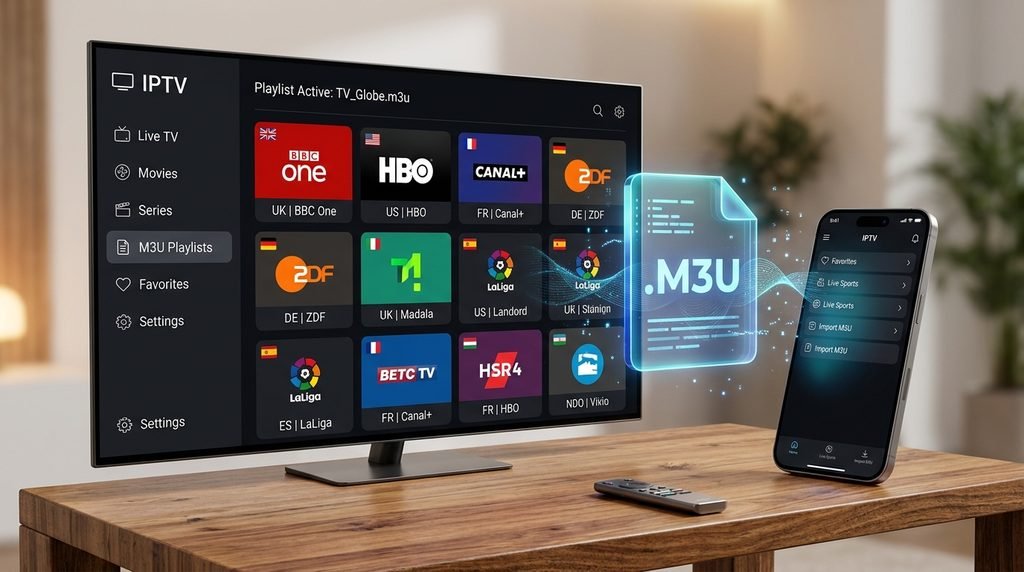
Before diving into configuration, it is important to understand what the application requires and how it interacts with streaming servers. IPTV Extreme is a feature-rich media player designed for Android-based devices, allowing users to load custom playlists and manage extensive channel line-ups.
What is IPTV Extreme?
IPTV Extreme functions as a media player client rather than a content provider. It requires an active playlist or portal connection provided by a service subscription to stream live television, movies, and series. The application supports standard M3U playlists, Xtream Codes API integrations, and local file imports.
Essential Prerequisites for Setup
To complete the setup process smoothly, ensure you have the following ready:
- A compatible Android TV box, Firestick, or Android smartphone/tablet.
- An active, stable internet connection (preferably a minimum of 25 Mbps for HD and 4K streaming).
- Your subscription login credentials, including your M3U URL or Xtream Codes API server address, username, and password.
For detailed device compatibility guidelines, you can review official hardware documentation via resources like the Android Developers Guide for application behavior standards.
Step-by-Step Guide: How to Install and Configure IPTV Extreme
Proper installation lays the foundation for a stable streaming experience. Follow these structured steps to get the application running on your device.
Downloading and Installing the Application
- Navigate to your device’s app store (such as the Google Play Store on Android TV).
- Search for “IPTV Extreme” and select the official application published by Peter Gablovsky.
- Tap Install and wait for the download to finish. Once installed, open the application from your app drawer.
Adding Your Playlist or Xtream Codes API
Once the application launches, you must link your provider account to populate your channel guide.
- Open the application settings menu and select Playlists.
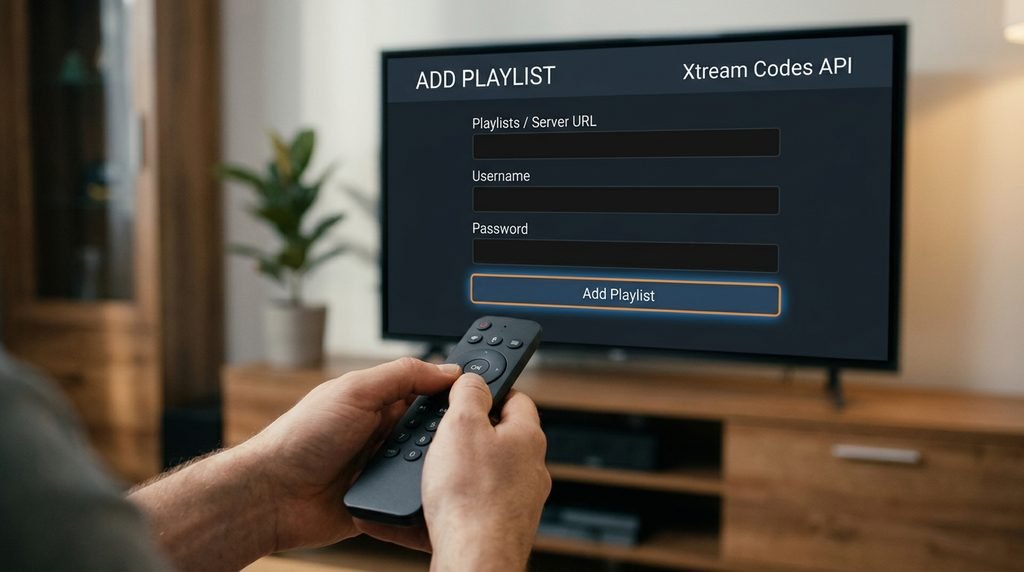
- Click on Add Playlist and choose your preferred input method (M3U File/URL or Xtream Codes API).
- Enter your playlist name, followed by the server URL and your authentication credentials provided by your service provider.
- Save the configuration and allow the application a few moments to download the channel list and Electronic Program Guide (EPG).
To explore complementary media options and alternative application environments, consult the Streaming Media Devices Overview for technical standards on digital media transmission.
Advanced Features and Customization Options
Fine-tuning your application settings enhances usability and performance across different screen sizes.
Managing External Video Players
While IPTV Extreme features a robust built-in video player, you can link external players like VLC for Android to handle specific audio or video codecs. Navigate to the app settings, select Preferences, and choose your preferred video player engine under the playback category.
Parental Controls and Security Settings
To secure sensitive content categories or restrict access for younger viewers, you can configure a master PIN code within the security menu. This ensures that custom categories remain protected. For further insights into digital safety practices, refer to the Federal Trade Commission Consumer Advice.
Troubleshooting Common Playback and Loading Errors
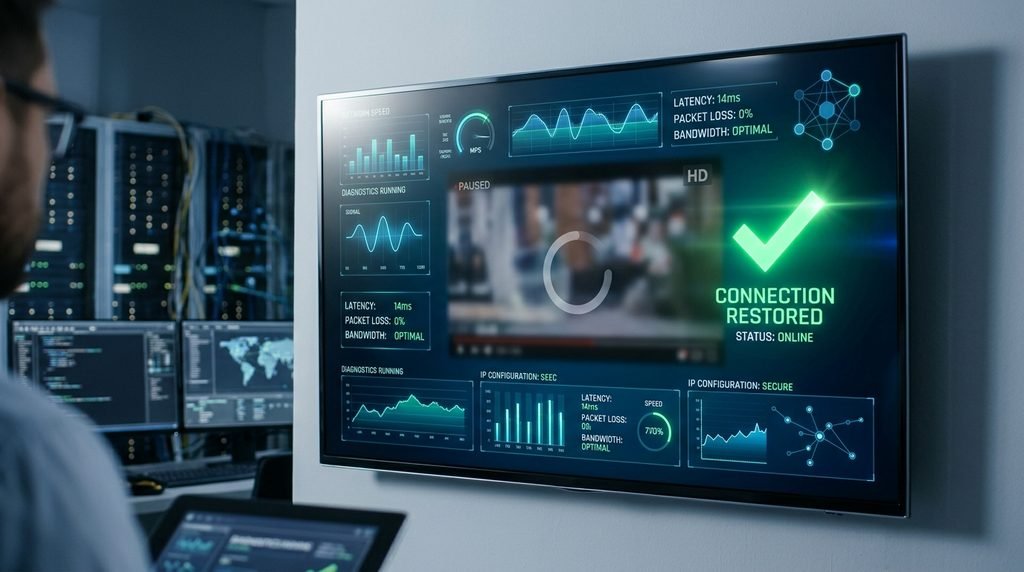
Even with proper setup, users occasionally encounter minor loading glitches or buffering interruptions. Addressing these issues systematically restores stability.
Fixing Buffering and Connection Drops
- Clear Application Cache: Accumulated temporary files can slow down performance. Clear the cache via your device’s system settings.
- Check Network Stability: Restart your router or switch from a wireless connection to a wired Ethernet setup for improved bandwidth consistency.
- Verify Playlist URL: Ensure that your subscription details or M3U links have not changed or expired.
Resolving EPG Update Failures
If your television guide fails to display current program schedules, check your EPG URL configuration in the playlist settings. Forcing a manual refresh usually resolves synchronization issues with the provider server.
Conclusion & Next Steps
Mastering the configuration of your streaming media player ensures a seamless, organized entertainment experience. By keeping your application updated and maintaining a stable network connection, you can minimize downtime and maximize video quality.
To explore more subscription options, flexible pricing plans, and device-specific installation tutorials, visit the Xtreme HD IPTV Homepage or review the complete Xtreme HD IPTV Pricing Plans to find a package that matches your streaming needs.
Next-Step Block
Ready to set up your service or explore compatible devices? Visit the How to Install Xtreme HD IPTV on Firestick guide for step-by-step device instructions, or check out the Pricing Page to review available subscription packages.
