


Best TV Live TV Apps Guide for Firestick & Android TV (2026)
Quick Answer
Selecting the best tv live tv apps depends on whether you need a dedicated media player for custom playlist links ($M3U$ or $Xtream\ Codes$) or a ready-to-watch ad-supported platform. Standalone IPTV players like TiviMate and IPTV Smarters deliver advanced Electronic Program Guide (EPG) views and multi-screen layouts, while official FAST apps provide instant streaming without playlist configurations. For reliable performance on Firestick and Android TV, choose an app supporting hardware decoding and custom buffer thresholds.
Table of Contents
What Are the Best TV Live TV Apps for Home Streaming?
Finding the right application to stream live broadcasts on modern televisions requires understanding software categories. Live video streaming applications process real-time media feeds differently than standard on-demand platforms, requiring low latency and efficient buffer handling.
+------------------------------------------------------------------+
|                  Live TV Application Architecture                 |
+------------------------------------------------------------------+
                                  |
        +-------------------------+-------------------------+
        |                                                   |
        v                                                   v
+-------------------------------+         +-------------------------------+
|    Standalone IPTV Players    |         |     Turn-Key FAST Services    |
| (TiviMate, IPTV Smarters Pro) |         |  (Pluto TV, Tubi, Xumo Play)  |
+-------------------------------+         +-------------------------------+
        |                                                   |
        v                                                   v
+-------------------------------+         +-------------------------------+
| Requires External Playlist    |         | Integrated Ad-Supported Feed  |
| (M3U / Xtream Codes API)      |         | Pre-Configured Content Catalog|
+-------------------------------+         +-------------------------------+
Understanding Standalone IPTV Players vs. FAST Streaming Apps
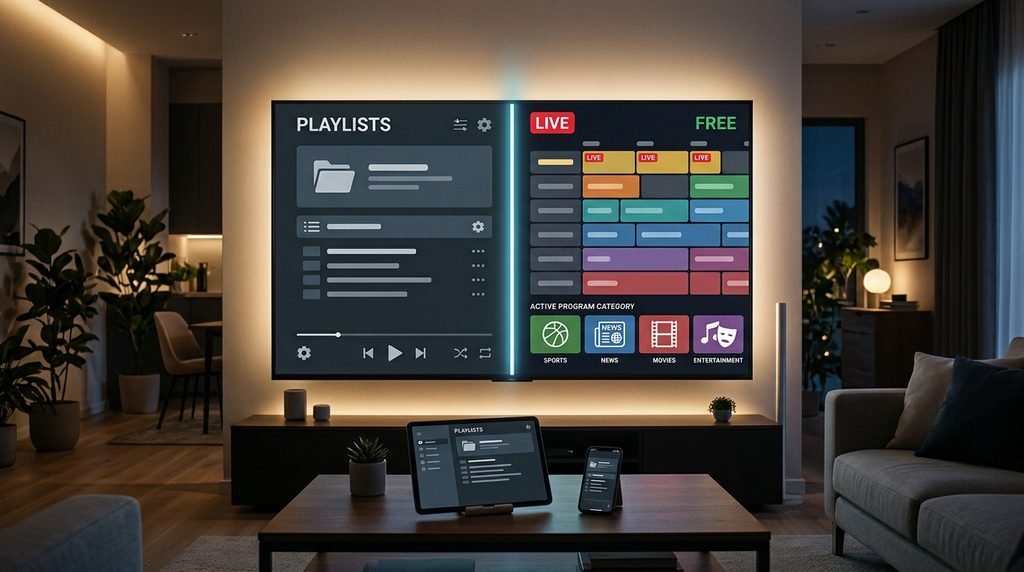
Live streaming software generally falls into two primary technical architectures:
- Standalone Video Players (IPTV Players): Applications such as TiviMate, IPTV Smarters Pro, or XCIPTV act as software engines. They do not host content directly. Instead, they ingest external channel feeds using $M3U$ playlists or $Xtream\ Codes\ API$ credentials provided by your service provider.
- Free Ad-Supported Television (FAST) Apps: Apps like Pluto TV, Tubi, and Xumo Play deliver pre-configured channel lineups supported by advertisements. These services manage their own server infrastructure and do not require manual server URL entries.
Subscribers seeking custom channel organization and advanced guide customization typically prefer standalone players. Services such as Xtreme HD IPTV pair directly with standalone player applications to provide complete access to live channels, electronic program guides, and catch-up services across all major streaming devices.
Core Features to Evaluate in Live Channel Apps
Evaluating live video playback applications involves several technical factors:
- Electronic Program Guide (EPG) Integration: The application must parse XMLTV files rapidly to display full channel schedules without UI lag.
- Decoder Support: Native hardware decoding ($HW/HW+$) reduces CPU overhead on micro-console streaming sticks, preventing frame drops during high-bitrate sports broadcasts.
- Multi-Screen Capabilities: Split-screen or grid viewing features allow simultaneous streaming of multiple live events on supported hardware.
- Audio Passthrough: Support for multi-channel Dolby Digital audio processing via optical or HDMI ARC passthrough connections.
Technical Note: Dedicated media hardware like the Fire TV Stick 4K Max or Nvidia Shield TV offers superior hardware decoding compared to legacy built-in smart TV processors, ensuring smoother 60 FPS live broadcast playback.
How Do Top Live TV Apps Compare Across Streaming Platforms?
Selecting an ideal app requires matching device hardware capabilities with the streaming protocol used by your channel source.
Player Compatibility and Protocol Support Breakdown
The comparison matrix below highlights technical specifications for widely used live TV player applications based on developer documentation.
| Application Name | Supported Protocols | EPG Format Support | Multi-Screen Support | Primary Supported OS | Recommended Hardware Engine |
| TiviMate IPTV Player | M3U8, Xtream Codes, Stalker | XMLTV, XOMG | Yes (Up to 9 screens) | Android TV, Fire OS | ExoPlayer (Native) |
| IPTV Smarters Pro | M3U, Xtream API, OneSingle | XMLTV | Yes (Up to 4 screens) | Android, iOS, Fire OS, WebOS | VLC / ExoPlayer |
| XCIPTV Player | M3U, Xtream Codes | XMLTV | Yes (Dual-screen) | Android TV, Fire OS | ExoPlayer |
| GSE Smart IPTV | M3U, JSON, Xtream | XMLTV | No | Android, iOS, tvOS | Hardware / Software Switchable |
| Kodi (PVR IPTV Simple Client) | M3U, M3U8 | XMLTV | No | Android, Windows, Linux | Kodi Media Center Engine |
Table Note: Performance ratings are based on official developer documentation and application technical specifications.
Xtreme HD IPTV Compatibility with Third-Party Players
Users streaming through Xtreme HD IPTV benefit from broad compatibility across standalone IPTV player applications. Because Xtreme HD IPTV supports standard $Xtream\ Codes\ API$ connections and $M3U8$ stream URLs, users can pair their active subscription with their preferred interface.
For TV-based devices like Firestick and Android TV boxes, pairing Xtreme HD IPTV credentials with TiviMate or IPTV Smarters Pro provides a clean, cable-like interface with fast channel switching. Mobile devices and Smart TVs running Samsung Tizen or LG WebOS can utilize IPTV Smarters or dedicated web player portals to access their live channel playlists.
How to Set Up and Optimize Live TV Apps on Android and Firestick?
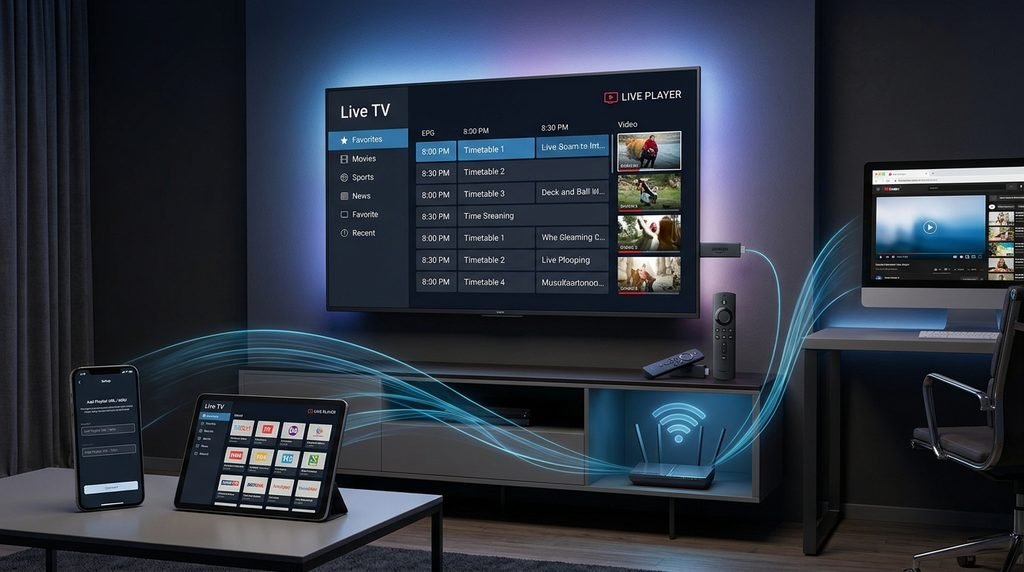
Proper installation and system optimization ensure smooth live TV streaming free from buffering or sync issues.
Step-by-Step Installation via Official Stores and Sideloading
+------------------------------------------------------------------+
|                    Standard App Setup Process                    |
+------------------------------------------------------------------+
  1. Open App Store (Google Play / Amazon Appstore)
  2. Search for Live TV Player (e.g., "IPTV Smarters" or "TiviMate")
  3. Install Application to Internal Storage
  4. Launch App & Select Playlist Type (Xtream Codes API / M3U)
  5. Enter Server URL, Username, and Password Credentials
  6. Allow EPG Data to Load & Configure Video Player Settings
For applications not hosted directly on the Amazon Appstore, users utilize utility tools to sideload software safely:
- Enable Developer Options: Navigate to Settings > My Fire TV > Developer Options on your Firestick. Enable Apps from Unknown Sources or grant installation permissions to the Downloader application.
- Install Downloader: Download the official Downloader utility app from the Amazon Appstore.
- Download Application Package: Enter the direct URL or numeric code for the target player application (such as TiviMate or XCIPTV) inside Downloader to fetch the
.apkfile. - Install & Launch: Proceed with the installation prompt, delete the installer package to save storage space, and open your live TV app.
- Add Subscription Credentials: Select the Xtream Codes API login option within your app interface. Input the Server URL provided by Xtreme HD IPTV along with your dedicated username and password to load live channels and program guides.
Troubleshooting Buffer, EPG, and Stream Drops
If live video feeds experience intermittent freezing or playback failure, apply these core optimization techniques:
- Clear Application Cache: Overloaded application storage can slow down program guide rendering. Navigate to Settings > Applications > Manage Installed Applications, select your live TV app, and perform a Clear Cache.
- Switch Video Decoders: If a stream shows a black screen with audio, open the application settings and switch the primary video decoder from ExoPlayer to VLC (or toggle between Hardware and Software decoding).
- Adjust Buffer Size: Set the video buffer size within your app settings to Medium or Large (typically 5 to 10 seconds). This mitigates minor network latency spikes without causing substantial channel-change delays.
- Verify Network Connections: Ensure your streaming device connects over a 5 GHz Wi-Fi band or a wired Ethernet adapter. Live video streams require consistent bandwidth without local packet loss. Refer to official network setup guidelines from major device manufacturers like Amazon Support or Google TV Help for network configuration best practices.
Key Takeaway: Most live stream buffering issues on Smart TVs stem from insufficient hardware cache space or network interference. Utilizing a wired network connection and clearing application cache regularly stabilizes live video feeds.
Trust and Editorial Methodology
This comparative guide was produced by the technical editorial team at Xtreme HD IPTV. Analysis of software performance is derived from official app developer documentation, publicly available Android TV platform specifications, and standard IPTV protocol standards ($M3U8$, $XMLTV$, $Xtream\ API$).
- Evaluated Criteria: Playlist loading speed, EPG parse time, multi-screen stability, video decoding compatibility, and menu navigation responsiveness.
- Last Updated: October 2026.
Frequently Asked Questions About Live TV Applications
What are tv live tv apps?
They are applications designed to stream live broadcast channels over an internet connection to Smart TVs, Firesticks, Android TV boxes, or mobile devices.
Do I need a specific app to use Xtreme HD IPTV?
No, Xtreme HD IPTV works across various popular player apps, including TiviMate, IPTV Smarters Pro, XCIPTV, and GSE Smart IPTV.
How do standalone IPTV players differ from FAST apps?
Standalone players require an external playlist URL or API login to fetch channels, whereas FAST apps come pre-loaded with free, ad-supported channel feeds.
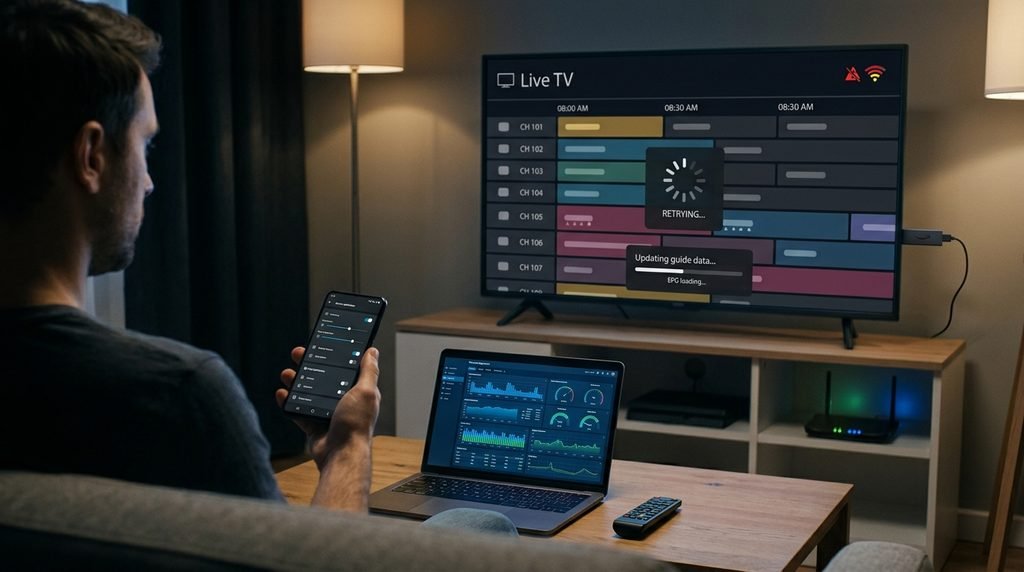
Why is my EPG program guide not loading in the app?
EPG failures occur due to incorrect server URLs, outdated application cache, or temporary source updates. Refreshing the EPG source manually usually resolves the issue.
Can I install live TV apps on a Smart TV without Firestick?
Yes, Smart TVs running Android TV, Google TV, Samsung Tizen, or LG WebOS can download compatible live TV player apps directly from their onboard app stores.
Recommended Next Step
To get started with seamless live streaming on your favorite player app, explore compatible setup configurations and playlist access options directly at Xtreme HD IPTV.
