


Xtreme HD IPTV Features: Complete 2026 Capability Review
Xtreme HD IPTV features provide users with a comprehensive suite of tools designed to streamline digital television streaming across various household devices. As digital media consumption shifts toward IP-based delivery networks, understanding the specific functional attributes of an IPTV service helps subscribers evaluate compatibility, stream stability, and navigation efficiency. This guide examines the technical capabilities, supported hardware, and system specifications associated with Xtreme HD IPTV features to help you make an informed decision.
Quick Answer: Xtreme HD IPTV features encompass high-definition video streaming, multi-device compatibility, electronic program guide (EPG) support, and flexible connection management designed to deliver live television and video-on-demand content over standard broadband connections.
Trust and Methodology Block
- Publisher / Editorial Standard: Xtreme HD IPTV Editorial Team.
- Basis of Article: Analysis derived from official technical documentation, public streaming standards, and device compatibility specifications.
- Criteria Evaluated: Codec efficiency, EPG integration, device versatility, and network requirements.
- Last Updated: November 2026.
Table of Contents
Understanding Xtreme HD IPTV Features and Core Capabilities
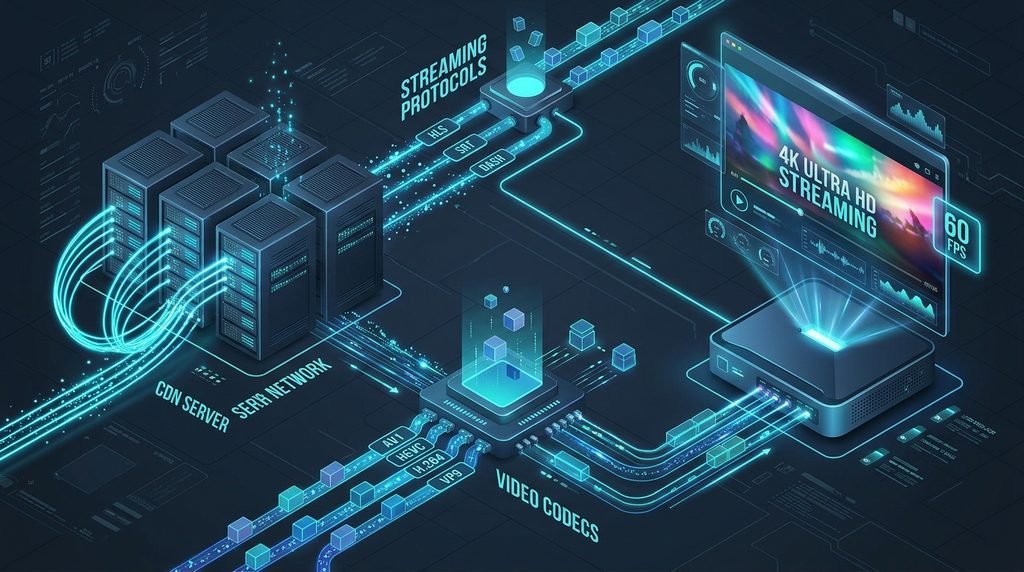
Xtreme HD IPTV features are engineered to replicate or expand upon traditional cable and satellite television experiences by leveraging internet protocols. Modern streaming infrastructure relies on robust content delivery networks to distribute live broadcasts and media libraries efficiently. Evaluating these capabilities requires looking closely at how video feeds are encoded, transmitted, and rendered on end-user hardware.
High-Definition Streaming Protocols and Video Codecs
The technical backbone of modern streaming depends on efficient video codecs and transmission protocols. Xtreme HD IPTV features support standard streaming formats like H.264 and HEVC (H.265), which allow high-resolution video delivery even under moderate bandwidth constraints. According to technical documentation from the Moving Picture Experts Group (MPEG), efficient compression standards reduce packet loss and minimize buffering interruptions during peak viewing hours. When streams are properly transcoded, viewers experience smoother frame rates for live sports and fast-moving broadcasts.
Electronic Program Guide (EPG) Integration and Layouts
Navigating thousands of channels requires a structured schedule interface. Xtreme HD IPTV features include Electronic Program Guide (EPG) synchronization, which pulls real-time metadata to display current and upcoming broadcast schedules. A reliable EPG allows users to search for specific programs, set reminders, and view channel line-ups without manual sorting. Research published by the Federal Communications Commission (FCC) on digital television standards highlights that standardized metadata integration significantly improves user accessibility and content discovery across modern media players.
Device Compatibility and Multi-Screen Performance
Flexibility across hardware ecosystems is a critical factor for modern television viewers. Xtreme HD IPTV features are designed to integrate smoothly with popular media players, streaming sticks, and smart television operating systems. Understanding how a service performs across different hardware helps prevent unexpected compatibility bottlenecks.
Supported Hardware Platforms and Smart TVs
Compatibility spans a wide range of consumer electronics, including Android TV boxes, Amazon Firestick devices, Apple TV 4K units, and WebOS or Tizen smart televisions. For detailed installation steps on specific hardware, you can review the Firestick Setup Guide. Additionally, third-party media players such as TiviMate and IPTV Smarters Pro can be configured using standard Xtream Codes API login credentials or M3U playlist URLs. Consulting official hardware documentation from manufacturers like Microsoft or Apple ensures that your chosen device meets the necessary processing power and memory requirements for smooth video decoding.
Managing Concurrent Connections Without Lag
Household viewing habits often involve multiple screens operating simultaneously. Xtreme HD IPTV features multi-screen connection options, allowing subscribers to stream on different devices under a single account subscription. However, maintaining stable playback across multiple streams depends heavily on local network bandwidth. If your broadband connection drops below recommended thresholds, video quality may automatically downgrade or experience stuttering. For more details on optimizing multiple streams, check out our guide on Multi-Screen IPTV No Lag.
Feature Evaluation Matrix and Technical Comparison

To objectively assess what streaming solutions offer, users benefit from structured comparisons of technical attributes, setup requirements, and hardware flexibility.
Comparing Core Options Across Streaming Devices
The following matrix outlines how Xtreme HD IPTV features compare across standard hardware environments based on published configuration documentation:
| Feature Category | Amazon Firestick / Android TV | Smart TVs (Samsung / LG) | Apple TV / iOS Devices | MAG Boxes / STB Emulators |
| Primary App Support | Native apps, TiviMate, Downloader | Smart IPTV, IPTV Smarters | GSE Smart IPTV, XCIPTV | Native MAC address portal |
| Setup Complexity | Low (Side-loading or app store) | Medium (App activation required) | Low (App store download) | Low (MAC portal configuration) |
| EPG Integration | Full grid & channel list sync | Standard channel list view | Full grid schedule support | Native portal EPG layout |
| Max Resolution | Up to 4K Ultra HD (device dependent) | Up to 4K Ultra HD | Up to 4K HDR | Up to 1080p Full HD |
Evaluating Setup Simplicity and Portal Activation
Configuring an IPTV subscription typically involves entering server URLs, usernames, and passwords provided upon purchase, or registering a device MAC address for portal-based authentication. Xtreme HD IPTV features streamlined activation procedures designed to minimize manual configuration errors. Users looking for flexible subscription tiers can review the Pricing Plans Guide to select options that match their specific household viewing requirements.
Practical Configuration Guidelines and Troubleshooting
Even with robust infrastructure, users occasionally encounter technical hurdles related to network congestion, app caching, or authentication errors. Knowing how to diagnose and resolve these issues ensures uninterrupted viewing.
Optimizing Network Stability for High-Bitrate Streams
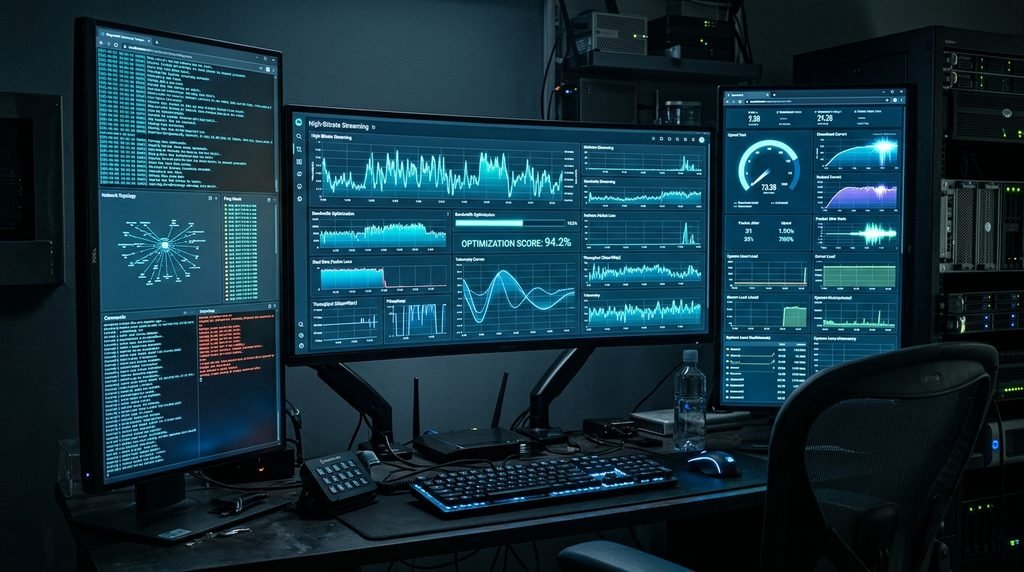
High-definition and 4K video streams demand consistent internet download speeds—typically a minimum of 25 Mbps for 4K content and 10 Mbps for standard HD streams. Connecting streaming devices via Ethernet cables rather than Wi-Fi can eliminate wireless interference and packet jitter. According to networking guidelines from CNN Underscored, wired network configurations consistently provide lower latency and higher throughput for bandwidth-intensive media applications.
Resolving Common Connection and Buffer Errors
If you experience persistent buffering or login failures, systematic troubleshooting can usually identify the root cause. Common steps include clearing application cache, restarting your home router, verifying portal URL accuracy, or checking your account status via the Subscription Renewal portal. If connection problems persist, reviewing the Login Portal Fixes documentation can help resolve authentication mismatches.
Frequently Asked Questions
What are the main Xtreme HD IPTV features included in a subscription?
Subscriptions generally include live television channels, video-on-demand libraries, electronic program guide support, multi-device compatibility, and high-definition or 4K streaming capabilities depending on your hardware.
Do Xtreme HD IPTV features require special hardware to operate?
No special proprietary hardware is required. The service works on standard streaming sticks, Android TV boxes, smart televisions, and MAG boxes using compatible media apps.
How do I set up Xtreme HD IPTV on an Amazon Firestick?
Setup involves downloading a compatible media player application (such as Downloader or TiviMate) and entering your provided Xtream Codes API login credentials or playlist URL.
What internet speed is recommended for streaming?
A stable broadband connection of at least 15 to 25 Mbps is recommended for smooth high-definition and 4K streaming without buffering interruptions.
Can I use my subscription on multiple devices at the same time?
Concurrent connection limits depend on your specific subscription plan. Review your account details or check multi-screen options before streaming on multiple screens simultaneously.
Next-step block: To explore compatible applications and step-by-step installation tutorials for your specific streaming device, visit the Firestick Setup Guide.
