


Xtreme HD IPTV Subscription Renewal: 9 Smart Steps for 2026
Xtreme HD IPTV Subscription Renewal: Renewing an existing streaming subscription should be straightforward, but it is important to confirm your account details, the applicable price, and the correct renewal procedure before paying.
Quick Answer: To renew an Xtreme HD IPTV subscription, check your account’s expiry date, review the currently published plans, and contact the provider through its Contact Us page to confirm the renewal procedure for your existing account. The published pricing page lists subscription options, but it does not clearly identify a dedicated renewal-only checkout process. Cite refs=turn502616view0turn502616view1/>
EDITORIAL TRUST & METHODOLOGY
- Byline: Xtreme HD IPTV Editorial Team
- Last updated: October 29, 2026
- Research basis: The publisher’s publicly accessible pricing and contact pages, supplemented by official consumer and device-support documentation. No hands-on renewal transaction or activation test was performed for this article.
Table of Contents
How do you renew an Xtreme HD IPTV subscription?
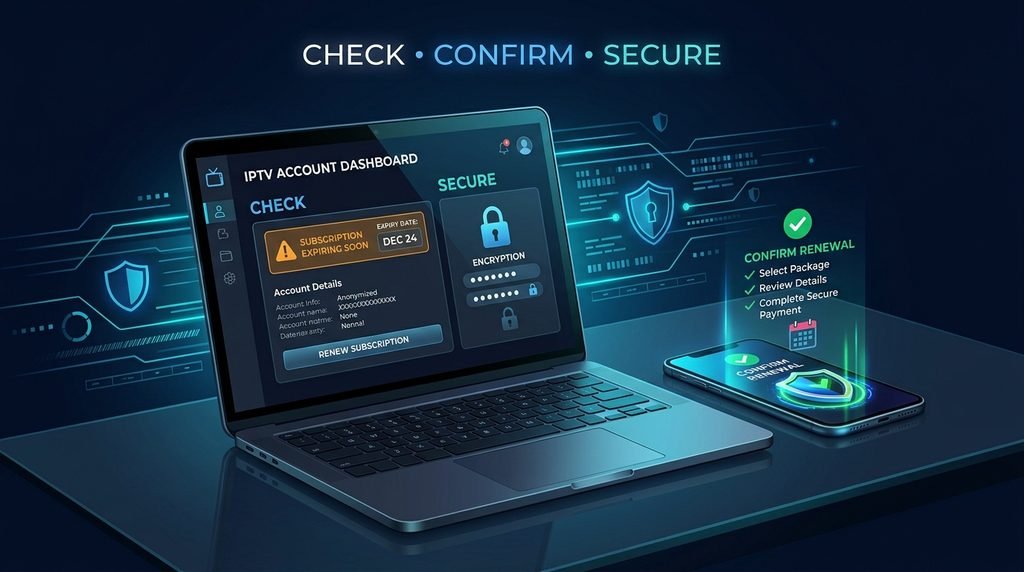
The safest starting point is to identify your existing account and confirm the correct renewal route with the provider. The published pricing page provides subscription options, while the contact page provides support details for account and technical questions. Cite refs=turn502616view0turn502616view1/>
Check your current account and expiry date
Before purchasing another subscription, establish when your current access expires and which plan you already have.
Check your original activation email, order confirmation, or the account information available inside your IPTV application. The location of the expiry information varies by service and player.
Record these details before contacting support:
- Your current subscription username or order reference.
- The email address associated with your purchase.
- Your approximate subscription expiry date.
- The number of simultaneous connections included in your plan.
- The subscription duration you want to purchase next.
Knowing the existing connection count matters because a renewal for one simultaneous connection may not be equivalent to a plan that allows multiple screens to stream at once.
Confirm the correct renewal process
Visit the publisher’s Contact Us page before placing a new order if the checkout does not explicitly identify an existing-account renewal.
The page lists support@xtrmehdiptv.us and +212702871869 as phone/WhatsApp contact details. Confirm that you are using the correct contact information on the publisher’s website before sharing account information. Cite refs=turn502616view1/>
Ask support to confirm three points:
- Whether you should use the published pricing checkout or another renewal procedure.
- Whether the payment will extend your existing account rather than create a separate subscription.
- The complete price, subscription duration, and number of simultaneous connections included.
Do not assume that a checkout labelled “Subscribe Now” will automatically renew an existing account. The current pricing page does not clearly document that distinction. Cite refs=turn502616view0/>
Keep your account and payment details secure
Use the provider’s verified website and check the final price before submitting payment. Save the order confirmation and payment receipt so that you have a reference if activation is delayed.
Never send your account password, full payment-card number, or security code in an ordinary support message. The Federal Trade Commission’s subscription guidance also recommends reviewing recurring-payment terms and understanding cancellation conditions before agreeing to a subscription. Cite refs=turn275961search4/>
How much does Xtreme HD IPTV subscription renewal cost?
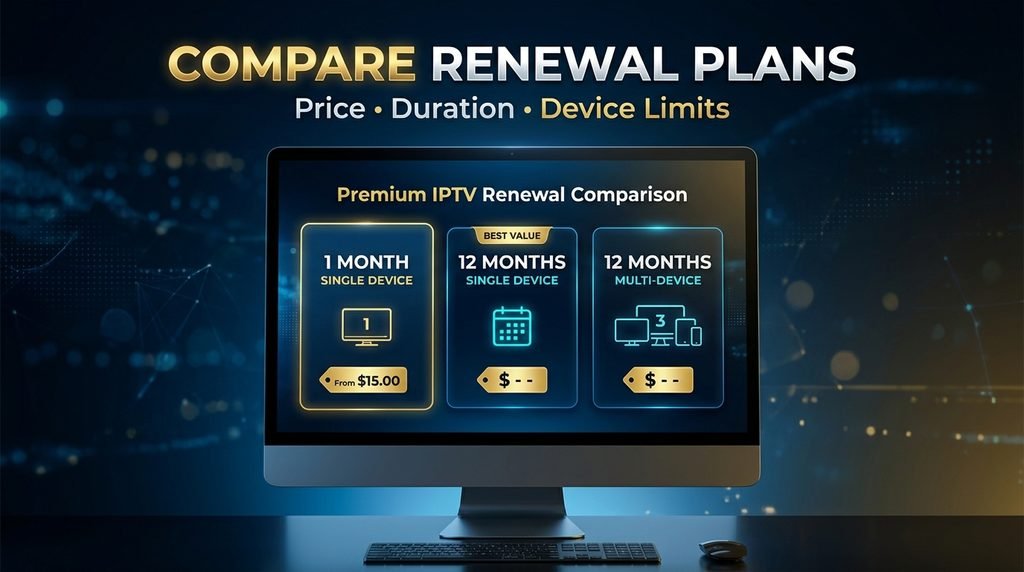
The publisher’s publicly listed pricing provides a reference point for comparing subscription durations. However, these are published plan prices, not independently confirmed renewal-only rates; existing subscribers should confirm their actual renewal total before paying. Cite refs=turn502616view0/>
Published prices for one connection
The following prices were displayed on the publisher’s pricing page when checked on October 29, 2026.
| Subscription duration | Displayed total | Listed simultaneous connections |
|---|---|---|
| 1 month | $15.99 | 1 |
| 3 months | $34.99 | 1 |
| 6 months | $59.99 | 1 |
| 12 months | $79.99 | 1 |
Source: Xtreme HD IPTV pricing page. These figures represent the page’s published one-connection plan prices, not a guarantee of the price offered for an existing account. Cite refs=turn502616view0/>
The publisher’s Contact Us page also advertises a separate 12-month offer for up to five devices at $229.99. Confirm the exact offer, connection allowance, and renewal eligibility with support before purchasing. Cite refs=turn502616view1/>
Choosing a plan and checking device limits
A longer subscription may reduce the displayed monthly equivalent, but the lowest advertised monthly cost is not automatically the best choice for every customer.
Consider how you actually use your account. A household that streams on multiple screens at the same time may need a different connection allowance than someone who watches on one television.
Before paying, compare the total price rather than relying exclusively on a monthly equivalent. Also confirm whether the advertised price applies to your existing account, whether the plan duration can be changed, and what happens to any remaining subscription time.
The publisher’s channel list can help you review the channels described on its website, but it should not be treated as proof that every channel will be available continuously or in every location. Cite refs=turn502616view2/>
What should you do if an Xtreme HD IPTV renewal fails?
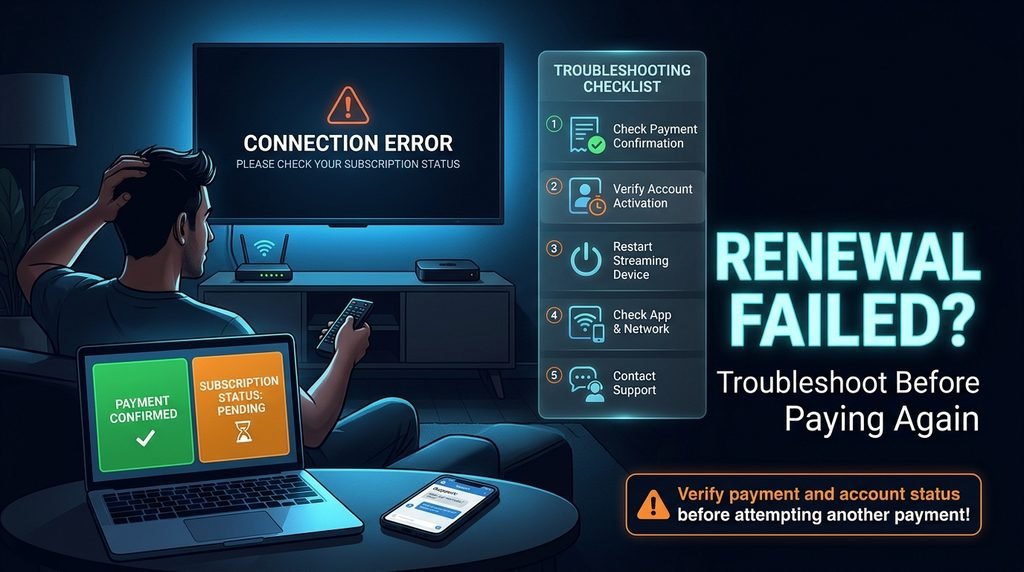
When access does not return after payment, first establish whether the transaction was completed and whether the renewal has been confirmed by the provider. Troubleshooting the device before checking the account can waste time if the underlying issue is an unprocessed order.
Payment confirmed but access not restored
Follow this sequence:
- Check the payment status. Review your payment provider’s confirmation and save the order reference.
- Check your email. Look for the receipt, activation message, or a support response, including in your spam folder.
- Contact the provider. Use the published support page and explain that you need an existing account’s renewal status checked.
- Avoid duplicate payment. Ask support to verify the original transaction before submitting another payment.
- Recheck the account. After the provider confirms that the renewal is active, reopen the app and check whether access has returned.
Include your order reference, device type, application name, and a brief description of the problem. A screenshot of the error message can also be useful, provided it does not expose passwords or payment information.
Troubleshooting your device or app
If support has confirmed that your account is active, the next step is to determine whether the problem is related to the device, application, or internet connection.
Restart the application and device, check that your internet connection is working, and verify that you are using the account details associated with your current subscription.
For a frozen or unresponsive Fire TV device, Amazon’s official troubleshooting guidance recommends restart and power-cycle procedures appropriate to the device. Amazon’s guidance addresses device problems; it does not verify IPTV account activation. Cite refs=turn502616search0/>
One important distinction is that an IPTV provider subscription and a separate paid media-player application license are not necessarily the same purchase. Renewing one does not automatically establish that the other has been renewed. If you purchased an app subscription through Google Play, consult Google Play’s subscription-management guidance for that billing arrangement. Cite refs=turn502616search2/>
Renewal troubleshooting matrix
This decision aid summarizes what to check first in common situations. It is based on the publisher’s published contact information and general device-support guidance, not on hands-on tests of its renewal system.
| Situation | Recommended next action | Avoid |
|---|---|---|
| You cannot find your expiry date | Check your activation email or account information | Guessing the expiry date |
| The checkout only says “Subscribe Now” | Ask support how to renew an existing account | Assuming it is an existing-account renewal |
| You have paid but access is unchanged | Save the receipt and request an order-status check | Paying a second time immediately |
| The app opens but streaming fails | Verify account status, connectivity, and app settings | Assuming the subscription has expired without checking |
| You need more simultaneous connections | Confirm the new plan’s connection allowance and total | Choosing a plan based only on duration |
| You are unsure which account was renewed | Ask support to verify the order reference | Sharing your password or complete card details |
What should you confirm before paying?
A successful renewal starts with clear information about the product, account, and payment. Use the checklist below to reduce the risk of paying for the wrong plan or misunderstanding what the purchase includes.
Pre-payment checklist
- Confirm the current account’s expiry date.
- Verify that you are using the intended provider website.
- Ask how an existing account should be renewed.
- Check the complete amount payable, including any disclosed fees or taxes.
- Confirm the duration and number of simultaneous connections.
- Review the applicable payment, refund, and recurring-billing terms.
- Save the order confirmation and payment receipt.
- Keep your password and payment-card security details private.
The publisher’s pricing and contact pages were reviewed for this guide, but the publicly accessible information did not establish whether every existing account renews automatically. Confirm your own renewal terms rather than assuming that automatic billing is enabled or disabled.
This article also does not determine whether a particular stream is authorized for distribution in every jurisdiction. Readers should consider applicable local requirements and use services for content they are authorized to access.
Frequently asked questions
Does Xtreme HD IPTV renew automatically?
The publisher’s pricing and contact pages reviewed do not clearly state whether existing accounts renew automatically. Confirm your account’s renewal terms with support before assuming charges will or will not recur.
How do I renew my existing Xtreme HD IPTV account?
Start at the official Contact Us page, give your existing account or order reference, and ask support to confirm the correct renewal process and total before paying. The published pricing page does not show a clearly labelled renewal-only checkout.
What is the Xtreme HD IPTV renewal price?
The public pricing page lists $15.99 for one month, $34.99 for three months, $59.99 for six months, and $79.99 for 12 months for one connection. These are displayed plan prices, not confirmed renewal-only rates.
What information should I prepare before contacting support?
Prepare the account username or order reference, the email used to subscribe, your approximate expiry date, device type, and the plan you want. Never send your password, full card number, or security code.
What should I do if payment went through but IPTV still does not work?
Save your receipt, avoid paying again until support checks the first transaction, and contact support with your order reference. Once activation is confirmed, restart the device or player and check the status again.
Will renewing IPTV also renew my streaming app?
Not necessarily. The IPTV provider subscription and any separate paid player-app license are different purchases. Check the billing receipt and account settings for the specific product you paid for.
Next step: Visit the publisher’s Contact Us page and confirm the renewal procedure and total price for your existing account before submitting payment.
