


Buy IPTV Subscription UK: A Safer Buyer Checklist for 2026
Buy IPTV Subscription UK searches often lead to several subscription offers, different payment options and claims about channels, streaming quality and device compatibility. Choosing a service requires more than comparing promotional prices.
Before purchasing an IPTV subscription, UK viewers should examine content distribution rights, the provider’s identity, subscription conditions, device compatibility and the actual amount payable.
Quick Answer: To buy an IPTV subscription in the UK responsibly, choose a provider that can establish its authorization to distribute the content it advertises, publishes clear subscription terms and supports your streaming device. Compare the total price, refund conditions and simultaneous connection limits before completing an order.
This guide from Xtreme HD IPTV explains the checks worth making before committing to a subscription, including the published pricing information and available resources on the Xtreme HD IPTV website.
Editorial and Methodology
- Author: Xtreme HD IPTV Editorial Team.
- Research basis: Review of the publisher’s publicly accessible pricing, contact, channel-list and trial pages, alongside UK government, Ofcom and Amazon documentation.
- Evaluation criteria: Pricing transparency, provider identity, content authorization, device compatibility, payment conditions and customer support.
- Last updated: November 10, 2026.
Table of Contents
What Should You Check Before Buy IPTV Subscription UK?
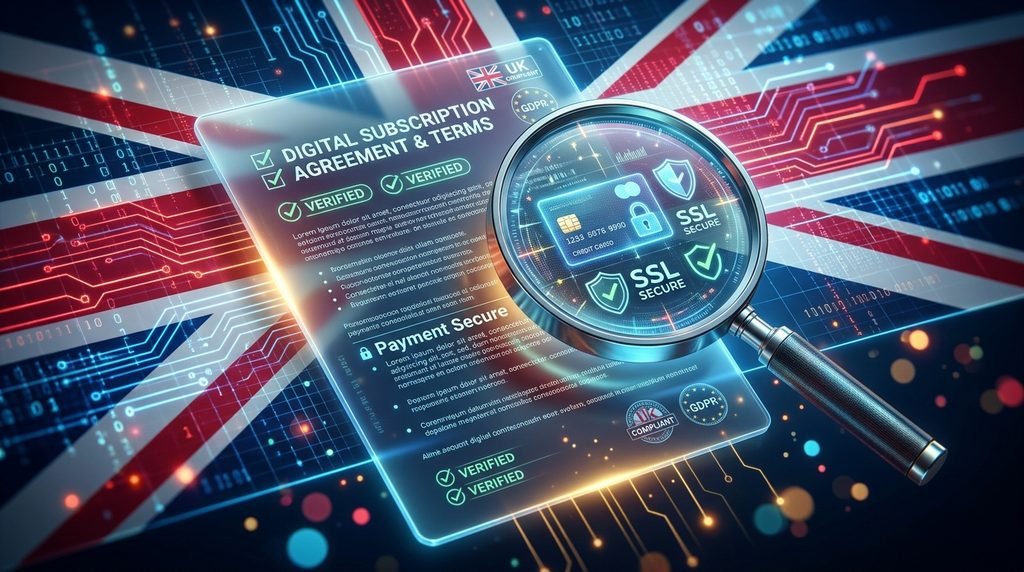
The most important consideration when choosing an IPTV provider is whether it has the necessary authorization to distribute the television programming offered. A large channel list, attractive subscription price or free trial does not independently establish that authorization.
Verify Content Rights and Provider Identity
IPTV stands for Internet Protocol Television. It describes the delivery of television content through an internet connection rather than relying exclusively on traditional terrestrial, satellite or cable broadcasting.
However, the delivery method does not determine whether the content is authorized.
The UK government’s guidance on illicit streaming devices explains that streaming copyrighted programmes without the copyright owner’s permission constitutes illicit streaming. The hardware itself is not automatically illegal; how it is used matters.
Before purchasing, examine these points:
- Provider identity: Look for the company’s legal name and verifiable business information.
- Content authorization: Ask which rights holders authorize distribution of the advertised UK channels.
- Business transparency: Check whether the company provides meaningful contact information and customer support.
- Subscription conditions: Read the terms, cancellation provisions and refund policy.
- Payment transparency: Confirm the amount, currency, payment recipient and any additional charges.
A provider should be able to explain where its programming comes from and what rights it has to distribute that content.
Ofcom also explains that some internet-delivered television services operate outside the protections associated with an Ofcom-regulated electronic programme guide. Its IPTV consumer guidance is useful when evaluating the content and broadcasting considerations associated with internet television.
Examine Subscription Terms and Payment Conditions
Subscription prices are only one part of the purchasing decision.
A plan advertised at a low monthly equivalent may require a substantial upfront payment for six or twelve months.
Before paying, confirm:
| Purchasing factor | What to verify |
|---|---|
| Subscription period | Exact start and expiry dates |
| Total price | Complete amount payable |
| Currency | GBP, USD or another currency |
| Simultaneous connections | Number of screens allowed to stream together |
| Renewal | Automatic or manual renewal |
| Refund policy | Eligibility, conditions and deadlines |
| Customer support | Available contact methods and support hours |
| Activation | Expected delivery of account information |
Save the order confirmation and a copy of the terms that applied when you purchased.
A free trial can help evaluate an application or interface, but it does not establish that a provider has permission to distribute its advertised programming.
How Much Does an Xtreme HD IPTV Subscription Cost?

Subscription value should be evaluated using the full payment amount, duration and number of simultaneous connections. Comparing only the advertised monthly equivalent can produce an incomplete picture of the actual expense.
Published Xtreme HD IPTV Subscription Prices
The Xtreme HD IPTV pricing page currently displays the following prices for its one-device selection:
| Subscription | Published total | Monthly equivalent |
|---|---|---|
| 1 Month | $15.99 | $15.99 |
| 3 Months | $34.99 | $11.66 |
| 6 Months | $59.99 | $9.99 |
| 12 Months | $79.99 | $6.66 |
Source: Xtreme HD IPTV Pricing.
These are website-listed prices observed on November 10, 2026. They are denominated in US dollars, not British pounds.
UK customers should check the final checkout amount, currency conversion, applicable fees and any taxes before paying. Prices and availability may change.
Understanding Device Connections and Subscription Duration
Another important consideration is the number of devices that can stream simultaneously.
Installing a compatible player on several devices does not necessarily mean that all devices can use the same subscription at once.
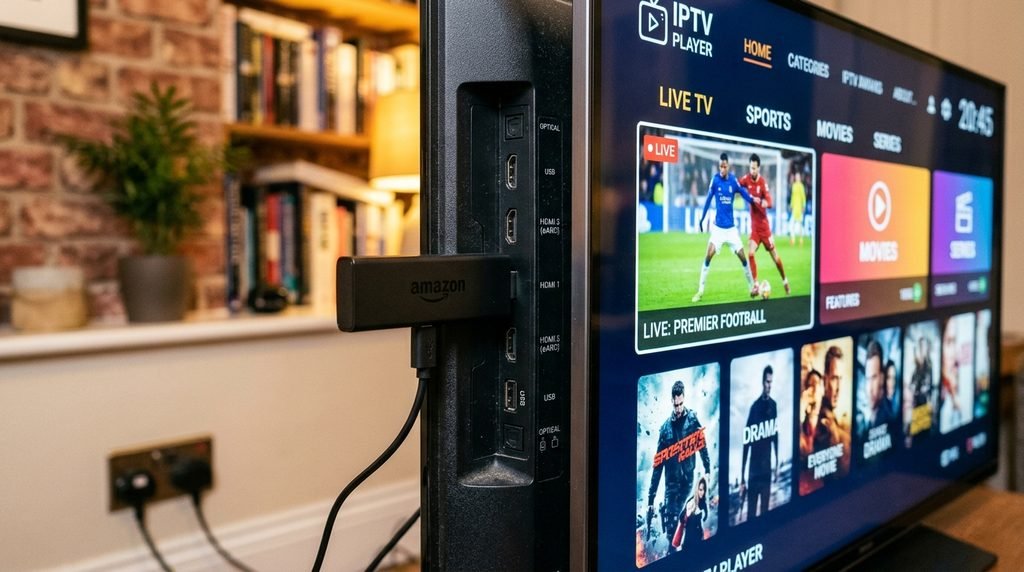
For example, a household might have a Fire TV Stick in the living room and a Smart TV in the bedroom. If both screens need to stream simultaneously, the plan must explicitly support two concurrent connections.
Consider these questions:
- How many simultaneous connections does the plan include?
- Can the subscription be installed on multiple devices?
- Does changing devices require contacting support?
- What happens when the subscription expires?
- Is renewal manual or automatic?
You can review the available subscription options on the Xtreme HD IPTV pricing page.
Will Xtreme HD IPTV Work With Your UK Streaming Device?
Device compatibility depends on the hardware, operating system and supported media player. Before purchasing any internet television subscription, verify that your specific device can run the required application.
Fire TV and Amazon Appstore
Amazon Fire TV is a popular streaming platform for accessing television and entertainment applications.
Amazon’s official instructions explain how to find and download applications through the Amazon Appstore for Fire TV.
Before selecting a subscription, check:
- Your Fire TV model and operating system.
- Whether the required player application is available for that model.
- Whether the application supports the provider’s connection method.
- Whether the provider supplies appropriate installation instructions.
- Whether the application is obtained from a trustworthy source.
An application’s availability through an app store confirms neither the subscription provider’s identity nor its rights to distribute television programming. These are separate checks.
The same principle applies to Android TV, Samsung Smart TVs, LG Smart TVs, Apple TV and other streaming hardware.
Compatibility, Activation and Customer Support
A straightforward purchasing process should explain what happens after payment.
Customers should understand which confirmation they receive, how account access is supplied, how long activation takes and where to request technical assistance.
Xtreme HD IPTV maintains several useful resources:
- Channel List – Review the website’s published channel catalogue.
- Free Trial – Review the trial request process and its conditions.
- Buy IPTV Subscription Guide – Explore additional subscription purchasing considerations.
- Contact Xtreme HD IPTV – Find the published support contact information.
For UK customers, the availability of UK-specific programming and the necessary distribution rights should be confirmed directly before purchase.
A useful rule: Never assume that advertised compatibility, channel availability or instant activation guarantees the legality or reliability of a streaming service.
Frequently Asked Questions About Buying an IPTV Subscription in the UK
Is IPTV legal in the UK?
IPTV technology is a legitimate method of delivering television over the internet. However, distributing copyrighted programmes without the necessary permission can constitute illicit streaming. Verify the provider’s content authorization before subscribing.
What should I check before buying an IPTV subscription in the UK?
Check the provider’s identity, content distribution rights, total subscription cost, refund conditions, supported devices and simultaneous connection limits. Read the terms before making payment.
Can I use an IPTV subscription on Amazon Firestick?
A compatible Fire TV device can run supported streaming applications. Check the specific application’s availability and compatibility through Amazon’s official Appstore before subscribing.
Do I need a TV Licence for IPTV in the UK?
A UK TV Licence is required to watch or record live television on any channel or service and to watch BBC programmes on iPlayer. The requirement depends on what you watch, not simply which device you use.
Is a free IPTV trial enough to evaluate a provider?
A trial can help assess an application’s interface, account setup and basic functionality. However, a trial alone cannot establish content distribution rights or guarantee future service availability.
Should I choose a monthly or annual IPTV subscription?
A monthly subscription generally involves less upfront financial commitment. An annual plan may reduce the monthly equivalent, but it requires paying more in advance. Compare the total cost and refund conditions before deciding.
No independent streaming performance tests or verification of Xtreme HD IPTV’s individual channel distribution agreements were available for this article. Published provider information is identified separately from independently supported facts.
Ready to compare your IPTV subscription options?
Explore the Xtreme HD IPTV subscription plans, examine the available terms and verify the details that matter before making a purchase.
Have questions about device compatibility, subscription conditions or activation? Contact the Xtreme HD IPTV support team before ordering.
