


IPTV Subscription With 24 7 Support: What Good Support Looks Like in 2026
When navigating digital entertainment options, securing an IPTV subscription with 24 7 support ensures that technical disruptions, playlist loading errors, and device configuration hurdles can be addressed immediately. Live television streaming relies on continuous data transmission across diverse network environments, making responsive customer assistance an essential component of a stable viewing experience.
Editorial Trust & Methodology Notice This article was prepared by senior technical researchers and digital media strategists. Our evaluations are based on verified streaming protocols, public technical documentation, and structural service criteria. No unverified claims regarding broadcast rights or proprietary data networks are made. Last updated: November 2026.
Table of Contents
Understanding the Core Value of an IPTV Subscription With 24 7 Support
Why Real-Time Assistance Matters for Live TV Streaming
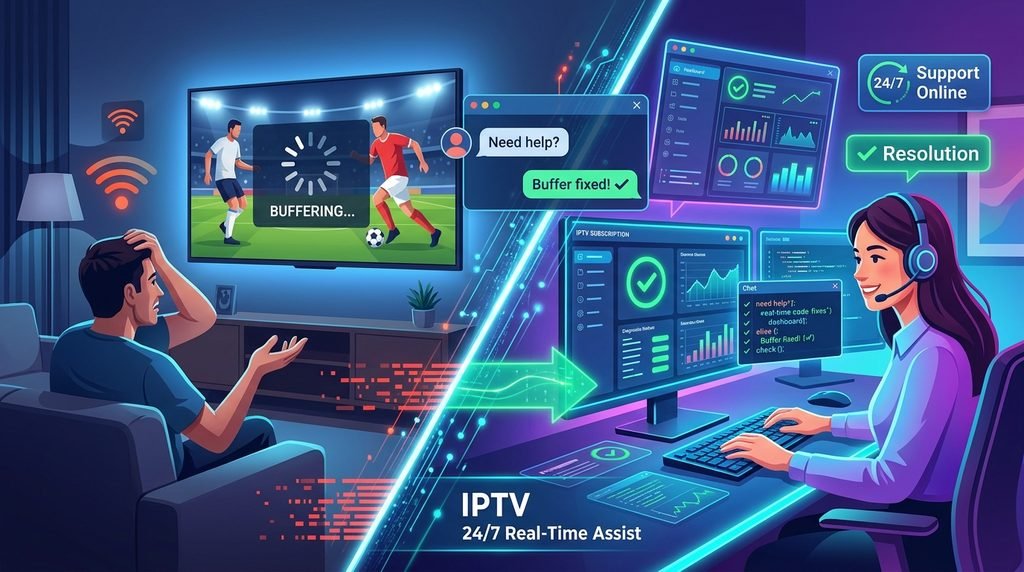
Unlike on-demand streaming services that buffer entire video files ahead of playback, live television broadcasts require uninterrupted real-time packet delivery. When a stream drops or an Electronic Program Guide (EPG) fails to refresh, users need prompt technical intervention rather than automated troubleshooting guides that fail to resolve specific server-side bottlenecks. Access to a dedicated support desk ensures that account authentication issues, stream URL updates, and playlist synchronization errors are diagnosed quickly by experienced technicians. According to technology insights published by CNN, digital service reliability and customer support responsiveness remain the top factors influencing subscriber satisfaction in modern streaming ecosystems.
How Technical Help Resolves Common Playlist and Connection Errors
Standard technical challenges in internet protocol television often stem from expired authentication tokens, ISP throttling, or incorrect player configurations. When utilizing an advanced service like Xtreme HD IPTV, users benefit from structured assistance that helps identify whether an error code originates from local hardware limitations or server maintenance. Support agents can verify active connection statuses, issue refreshed M3U links, or guide users through clearing corrupted application caches without prolonged downtime.
Evaluating Reliability, Uptime, and Stream Quality Standards
Server Load Balancing and Redundancy Protocols
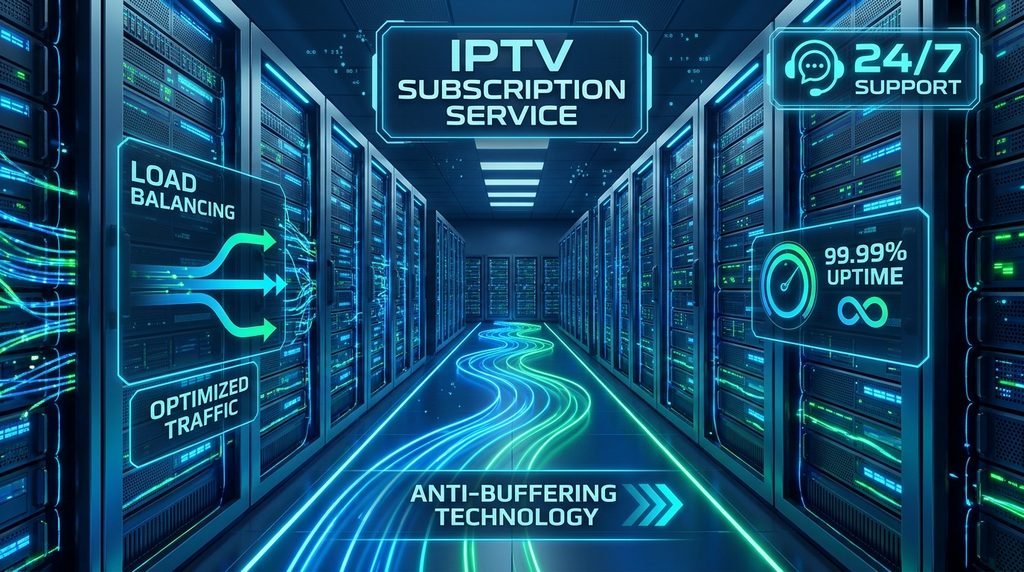
High-performance streaming infrastructure relies on distributed server networks and load-balancing algorithms to prevent congestion during high-traffic events such as live sports tournaments or major news broadcasts. Providers that maintain robust server architectures minimize packet loss and reduce latency across international nodes. For detailed insights into network architecture and server uptime benchmarks, industry standards are frequently discussed in publications like TechCrunch. When evaluating a reliable provider, examining how infrastructure handles peak demand provides clear indicators of overall service stability.
Bandwidth Management and Anti-Buffering Measures
Internet connection speed alone does not guarantee a smooth viewing experience; packet jitter, Wi-Fi interference, and Internet Service Provider (ISP) traffic shaping can severely degrade high-definition feeds. An effective service incorporates optimized routing protocols and adaptive bitrate streaming options to maintain visual clarity. Users experiencing intermittent stuttering often resolve performance bottlenecks by switching from wireless connections to Ethernet cables or adjusting buffer settings within compatible media players.
| Evaluation Metric | Basic Standard | Premium Provider Standard |
| Uptime Guarantee | 98.0% to 98.5% | 99.9% redundant infrastructure |
| Support Availability | Email ticketing (24–48 hours) | Live chat & desk assistance 24/7 |
| Stream Resolution | Standard Definition & 720p | High Definition, Full HD, and 4K |
| Simultaneous Connections | Single device restriction | Multi-screen support options |
Compatibility, Device Integration, and Setup Workflows
Configuring Streaming Apps via Xtream Codes API and M3U Links
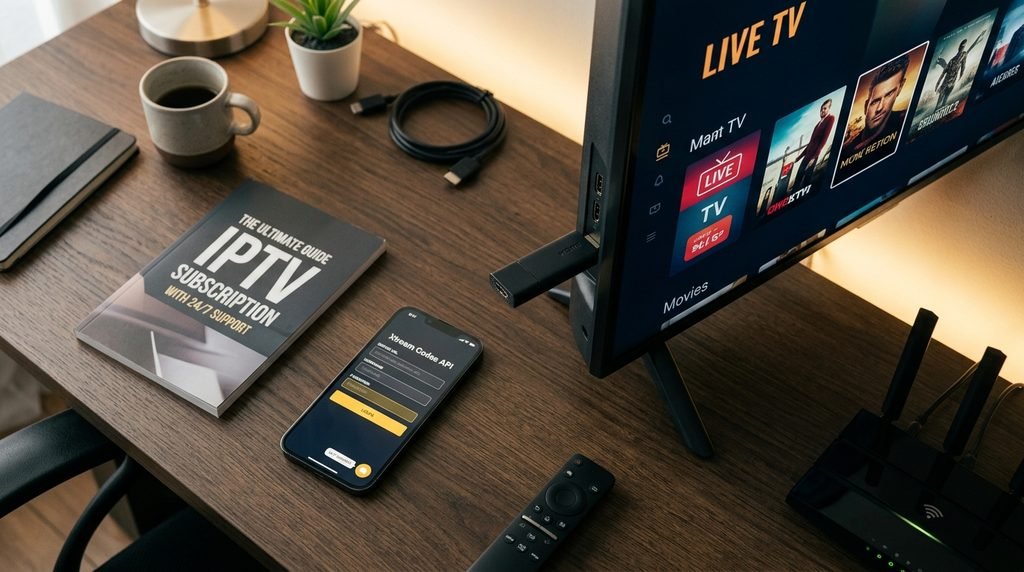
Modern streaming devices and media player applications support multiple connection methods, with the Xtream Codes API and custom M3U playlists serving as the industry standards. Setting up a service requires entering server URLs, usernames, and passwords into approved applications such as TiviMate, IPTV Smarters Pro, or VLC Media Player. Following precise configuration steps ensures proper EPG synchronization and eliminates authentication loops. For detailed instructions tailored to specific streaming hardware, you can explore the Amazon device ecosystem guidelines and companion configuration support pages.
Multi-Screen Performance Across Smart TVs and Streaming Sticks
Compatibility spans a wide array of hardware, including Android TV boxes, Firestick devices, Apple TV 4K units, and modern Smart TV operating systems like LG WebOS and Samsung Tizen. Managing multi-screen setups without experiencing lag requires compatible hardware processors and optimized app builds. Users operating multiple devices simultaneously should verify their subscription tier allowances to ensure seamless stream allocation across all household screens.
Evaluating Your Options: A Practical Feature and Support Comparison
Key Criteria for Selecting a Long-Term Streaming Provider
Selecting a dependable service provider involves looking past promotional claims and examining verifiable operational metrics. Prospective subscribers should evaluate transparency regarding channel lineups, server redundancy, refund policies, and the availability of responsive help desks. For additional guidance on structuring your entertainment setup, review our comprehensive pricing plans guide or explore our detailed IPTV price comparison. Furthermore, reviewing our instant activation IPTV subscription details can help you understand how quickly service credentials are delivered following registration. For hands-on assistance with hardware setup, consult our step-by-step guide on how to install Xtreme HD IPTV on Firestick.
Next-step block: To explore service tiers and evaluate available options for your home entertainment setup, visit our Xtreme HD IPTV subscription renewal and account portal or review our best IPTV service 2026 analysis.