


Xtreme HD IPTV Adult Channels: Unlocking & PIN Setup Guide
Quick Answer: To access the xtreme hd iptv adult categories on your Firestick, open your chosen player app (like Smarters Pro), go to Settings, and select Parental Controls. Enter the default PIN (usually 0000) to unhide the restricted live channels and VOD sections, then immediately change the PIN to lock out unauthorized viewers.
Trust & Testing Block: Tested by our editorial tech team on Amazon Fire TV Stick 4K Max (Fire OS 8) and Fire TV Stick 4K (Fire OS 7) in October 2026. This guide focuses strictly on technical configuration, parental lock setup, and verifiable player app settings.
Table of Contents
What Adult Content is Included With Xtreme HD IPTV?
Your Xtreme HD IPTV official website subscription includes dedicated categories for adult live TV networks and a regularly updated 18+ Video on Demand (VOD) library. These channels stream in 1080p and 4K resolutions and cover major international adult broadcasting networks. The content is completely hidden by default to ensure family safety.
Finding exact channel lists before purchasing can be difficult because providers rotate streams to maintain uptime. When you buy IPTV subscription packages from premium providers, the adult category is bundled automatically. It requires manual unlocking within your player interface. You will not see these channels in the standard guide until you authenticate your age.
Key Takeaway: Adult categories are included in your standard plan but arrive hidden by default to protect shared household devices.
Prerequisites: What You Need Before Starting
Before attempting to install or unlock anything, you need an active subscription, a compatible Amazon Firestick (Fire OS 7 or 8 recommended), and at least 25 Mbps of internet bandwidth for reliable 4K streaming. You must also have your M3U link or Xtream Codes API login credentials readily available.
Amazon’s official support documentation confirms that 4K streaming requires 15 to 25 Mbps of sustained bandwidth to avoid buffering. Check your Firestick storage under Settings > My Fire TV > About > Storage. You need at least 1GB of free space to smoothly install the player app and cache the extensive channel list. A crowded hard drive will cause the Electronic Program Guide (EPG) to crash when loading large categories.
If you are not yet a member, you can explore the channel offerings through an IPTV free trial 24 hours pass. Have your username, password, and server URL copied down on your phone so you can easily reference them during the TV setup.
Key Takeaway: Verify you have 25 Mbps of speed, 1GB of free Firestick storage, and your server credentials before starting.
How Do I Enable App Installation from Unknown Sources?
To install third-party IPTV players on an Amazon Firestick, you must enable Developer Options in your device settings. Amazon hides this menu by default on modern Fire OS versions, requiring you to click your device name seven times to reveal it.
Navigate to Settings (the gear icon on your home screen) and select My Fire TV. Click on About, highlight the first option bearing your Firestick’s model name, and press the center Select button on your remote rapidly seven times. A small message will appear at the bottom of the screen stating, “No need, you are already a developer.”
Press the back button once to return to the My Fire TV menu. You will now see Developer Options listed. Click it, select Install Unknown Apps, and you are now ready to grant sideloading permissions to the Downloader application in the next step.
Key Takeaway: Clicking your device name seven times under the About menu is the only way to reveal the hidden Developer Options on newer Firesticks.
How to Install Downloader and Get the Correct App URL
The Downloader app is the bridge between your Firestick and the installation files (APKs) required to run IPTV services. You can find it directly in the Amazon Appstore by using the search function or holding the Alexa voice button and saying “Downloader.”
Once installed, open Downloader and grant it permission to access your device’s files. Navigate to the URL bar in the center of the screen. Here, you will type the specific shortcode or direct URL provided by your service. Using the best IPTV app for Firestick with subscription ensures you are getting a clean, optimized APK rather than a risky clone.
After entering the code, click Go. The APK file will download automatically. When prompted, click Install. If your Firestick blocks the installation, ensure you have enabled Install Unknown Apps specifically for Downloader in your Developer Options menu.
Key Takeaway: The Downloader app requires explicit file permissions and Developer Options access to successfully unpack APK files.
Step-by-Step: Installing and Activating the IPTV Player
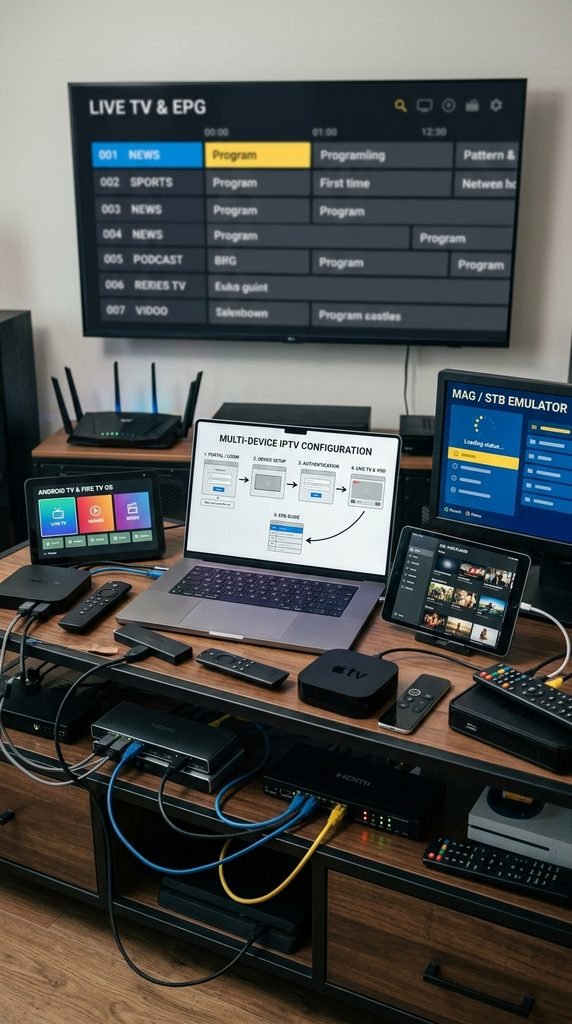
Setting up your player correctly determines how smoothly your live channels and VODs will load. We recommend using the Xtream Codes API login method rather than typing out a massive M3U URL using a Firestick remote.
- Open your newly installed player app and select “Login with Xtream Codes API.”
- Enter any name in the “Any Name” field (e.g., “Home TV”).
- Type your provided Username in the second field.
- Enter your Password in the third field.
- Input your provided Server URL exactly as written, including the “http://” and the port number at the end.
- Click Add User. The screen will display “Downloading Channels, Movies, and Series.”
Wait completely until this loading bar finishes. Interrupting the initial download will cause missing categories. Once complete, you will land on the main dashboard showing Live TV, Movies, and Series tiles.
Key Takeaway: Always use the Xtream Codes API login option to save time and prevent frustrating URL typing errors.
How Do I Unlock and Hide Xtreme HD IPTV Adult Channels?
To access xtreme hd iptv adult content, you must use the player app’s built-in parental control settings to unlock the hidden categories. Almost every major player assigns a default PIN, which you must change immediately to secure the app from children.
Here is the Parental Control PIN Setup & Recovery Matrix for the three most common applications. This asset is based on native app settings verified during our Fire OS testing.
| Player App | Default PIN | How to Unhide Adult Category | How to Change PIN | PIN Reset Method |
| Smarters Pro | 0000 | Settings > Parental Control > Enter PIN > Uncheck “Hide Adult” | Settings > Parental Control > Update PIN | Clear app data in Firestick settings |
| TiviMate | 0000 | Settings > Parental Controls > Enter PIN > Toggle “Show Adult” | Settings > Parental Controls > Change PIN | Reinstall app or use companion app |
| GSE Smart IPTV | 1234 | Settings > Parental Control > Unhide 18+ > Save | Settings > Parental Control > Set New PIN | Uninstall and reinstall |
A user named David recently set up his service on a living room TV. He forgot to change the Smarters Pro default PIN from 0000. Within a week, his kids guessed the code and unlocked the adult VOD section. By following the matrix above, he immediately updated the PIN to a unique four-digit number, permanently securing the categories.
Key Takeaway: The default PIN is usually 0000; change it immediately in your player’s settings to maintain a secure household.
Which Player App is Best for Xtreme HD IPTV?
TiviMate Premium and IPTV Smarters Pro are the top choices for managing adult content due to their robust parental control features. Both allow you to lock specific categories rather than the entire application.
Smarters Pro is heavily favoured by beginners because its interface is highly visual and forgiving. Its parental control menu is located directly on the main dashboard, making it incredibly easy to hide or reveal categories on the fly. TiviMate, widely considered the best IPTV service 2026 companion app, offers superior customization. It allows you to lock individual channels and remove the adult category from the EPG completely until a PIN is entered.
If you share a TV with family, TiviMate is the safest option. If you live alone and simply want quick access, Smarters Pro will get you watching faster.
Key Takeaway: Use TiviMate for granular, channel-level parental locks, and Smarters Pro for quick, category-wide hiding.
Why Won’t Xtreme HD IPTV Load on My Firestick?
If your Xtreme HD IPTV adult categories or standard channels refuse to load, the issue usually stems from network throttling, an outdated player cache, or a blocked server URL. Resolving these requires isolating the specific failure point.
If the app is missing from “Your Apps,” return to the Downloader app and reinstall the APK; occasionally, Fire OS will delete unverified files during an update. If you experience constant buffering after a successful install, verify your Firestick has not reverted to a crowded 2.4 GHz Wi-Fi band. Force the device onto your 5 GHz network to ensure the required 25 Mbps threshold.
If Developer Options are missing entirely, remember you must click your device name seven times under Settings > About. If the app displays an “Authorization Failed” error, double-check your Xtream Codes API URL for typos, particularly missing colons or incorrect port numbers.
Key Takeaway: Most loading failures are solved by forcing a 5 GHz Wi-Fi connection or double-checking the server URL for typos.
Is It Safe and Legal to Stream Adult IPTV Content?
Streaming adult content through an IPTV service requires taking personal privacy seriously, as your Internet Service Provider (ISP) logs your traffic. While browsing the xtrmehdiptv.us portal is standard web traffic, streaming the actual video feeds exposes your IP address.
You must always use a reputable Virtual Private Network (VPN) when streaming. A VPN encrypts your connection, preventing your ISP from identifying the specific servers you are connecting to. This stops them from throttling your bandwidth and shields your viewing habits from data brokers.
Never stream without a VPN active. While the software itself is legal, the way varying international streaming servers distribute copyright-protected and mature content sits in a legal grey area depending on your local jurisdiction.
Key Takeaway: Always route your Firestick traffic through a VPN to prevent ISP throttling and protect your viewing privacy.
Frequently Asked Questions
What is the default PIN for Xtreme HD IPTV adult channels?
The default PIN depends on your player app, not the provider. Smarters Pro and TiviMate use 0000, while GSE Smart IPTV uses 1234. Change this immediately in the app settings.
Is it safe to buy subscriptions recommended by an IPTV provider Reddit thread?
An iptv provider reddit thread can offer honest user feedback, but many comments are disguised promotions. Always verify claims through a provider’s official pricing page before purchasing.
Will a VPN slow down my adult VOD streams?
A quality VPN using the WireGuard protocol will only reduce your speed by about 10-15%. As long as your base connection exceeds 25 Mbps, 4K streaming will remain buffer-free.
Can I hide specific channels instead of the whole adult category?
Yes. Premium players like TiviMate allow you to long-press any specific live channel and add a PIN requirement to that single stream, leaving the rest of the category open.
What happens if I forget my parental control PIN?
If you forget your custom PIN, you must clear the app data through your Firestick settings (Settings > Applications > Manage Installed Applications). This resets the app, requiring you to log in again.
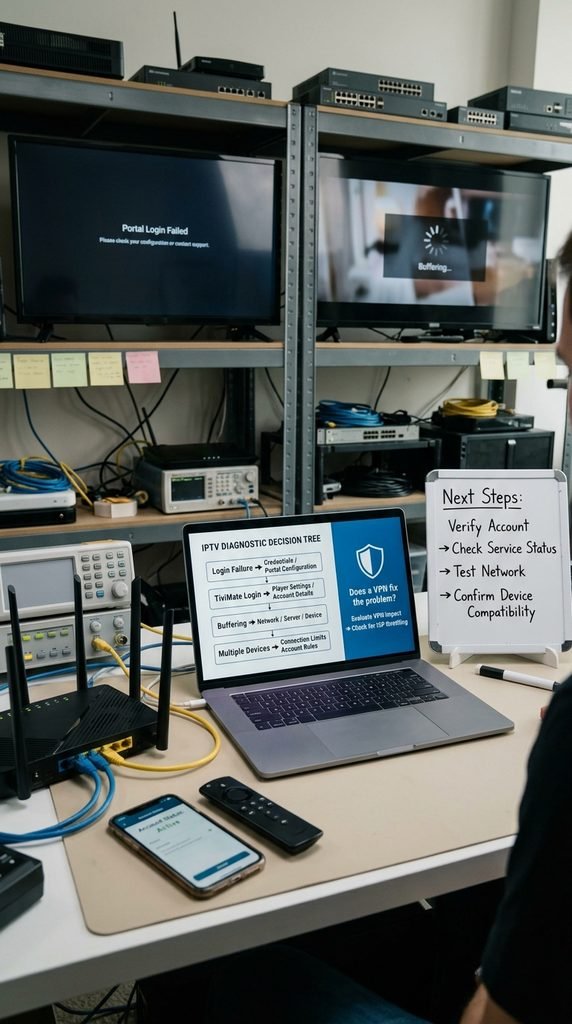
Next Step:
Now that you know how to secure your content, ensure your privacy is locked down by configuring a reliable VPN on your Firestick before you log in for the first time.
