


Yeah IPTV Buy Service Best Setup & Guide 2026
Streaming enthusiasts seeking flexible entertainment packages frequently look into how a Yeah IPTV buy service instant setup operates, especially when comparing options against established alternatives like Xtreme HD IPTV. Finding a reliable provider involves understanding activation timelines, verifying account credentials, and ensuring compatibility across modern streaming devices. This guide breaks down the essential criteria, purchasing procedures, and technical setup requirements needed to get your service running smoothly without unnecessary delays.
Quick Answer: Purchasing an IPTV service with instant setup typically involves selecting a subscription tier, completing secure checkout, and receiving automated portal credentials via email or a messaging app within minutes. Users can then configure their preferred media player app using Xtream Codes API or M3U playlists to begin streaming live television, sports, and on-demand content immediately.
Table of Contents
Understanding Yeah IPTV Buy Service Options and Instant Setup
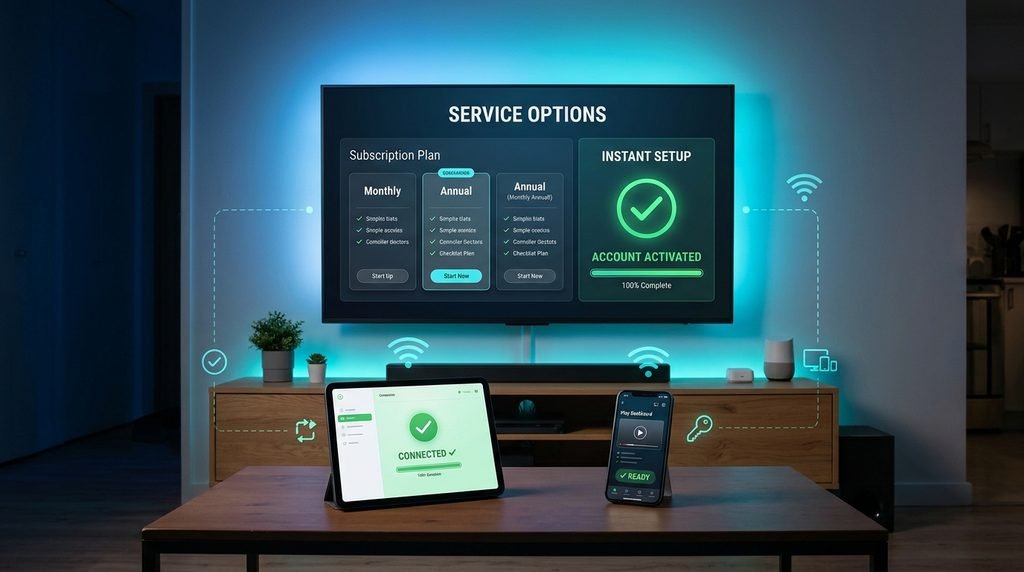
What Instant Setup Means for Streaming Subscriptions
Instant setup refers to automated provisioning systems that deliver server URLs, usernames, and passwords immediately after payment confirmation. When users execute a Yeah IPTV buy service transaction, modern billing gateways process the payment and trigger automated script dispatches to generate active subscription lines. This eliminates manual waiting periods that previously required administrative review or business-hour approvals.
Understanding this automation helps manage expectations regarding digital product delivery. Most reputable providers leverage customer management panels that update account statuses in real time. If credentials do not arrive within five to ten minutes, checking spam filters or verifying transaction completion on platforms like Amazon or payment gateways resolves most initial communication hiccups.
Evaluating Reliability and Service Features
Selecting an alternative or complementary service requires a careful review of core performance metrics, including server uptime guarantees, channel counts, and stream stability. High-performance networks utilize robust content delivery architectures to minimize buffering during high-traffic live events.
When evaluating service stability, look for providers offering multi-screen capabilities and dedicated customer support channels. Reliable documentation from technology platforms like Microsoft Windows Support emphasizes the importance of secure protocol handling and stable network configurations when streaming media across multiple household devices.
How to Choose and Purchase Your Subscription Safely
Step-by-Step Acquisition and Checkout Process
Navigating the purchase of a digital streaming subscription requires attention to secure payment methods and clear refund or support policies. Buyers should review available subscription durations—ranging from monthly options to multi-month packages—to determine which plan fits their viewing habits.
- Navigate to the official provider checkout page and review the feature matrix included with the subscription package.
- Select your preferred billing duration and enter valid contact information to ensure automated delivery of account credentials.
- Complete the transaction using secure payment processors such as major credit cards, verified online wallets, or supported digital currencies.
- Retrieve your welcome email containing server URLs, portal login details, and configuration guides.
Verifying Account Credentials and Portal Access
Once payment is finalized, verifying your login details immediately prevents configuration errors. Most subscriptions provide either MAC address activation portals or standard Xtream Codes API credentials consisting of a server URL, username, and password.
Testing these credentials on a primary device ensures that the service is fully active before configuring auxiliary screens. Maintaining a secure record of your login details also simplifies future renewals or device migrations. For broader insights into digital service security standards, reference documentation provided by organizations like CNN Tech.
Configuring Your Device for Xtreme HD IPTV and Alternatives
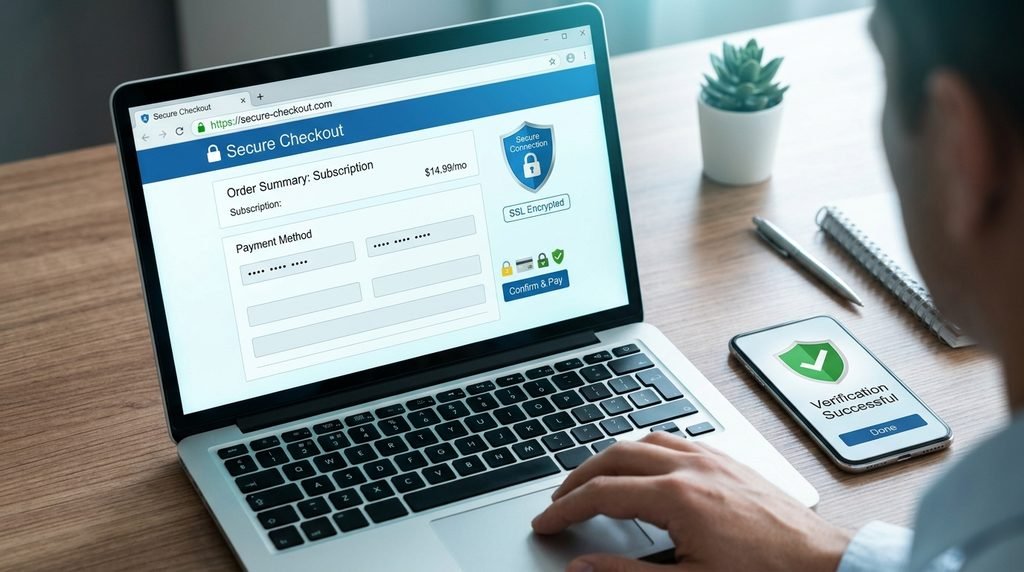
Setting Up Streaming Hardware and Media Players
Configuring your streaming hardware correctly is essential for achieving optimal video playback quality. Whether you are using a dedicated streaming stick, a smart TV, or an Android-based box, installing a versatile media player app streamlines the connection process.
Popular applications like TiviMate or IPTV Smarters Pro allow users to input their Xtream Codes credentials directly into the interface. For detailed instructions on optimizing your hardware setup, consult the official Xtreme HD IPTV Firestick Download guide.
Optimizing Network Performance for High-Definition Streams
High-definition and 4K video streams demand consistent broadband speeds to prevent stuttering or resolution drops. Connecting your streaming device via a wired Ethernet cable or ensuring a strong 5GHz Wi-Fi signal significantly improves data packet delivery.
Users should also review background network activity on their home router to ensure that bandwidth-heavy downloads do not interfere with live television playback. Implementing basic Quality of Service (QoS) rules on your router can prioritize media streaming traffic over general web browsing.
Comparing Subscription Plans and Alternative Providers
Key Metrics to Consider Before Upgrading
Comparing different IPTV services requires analyzing factors beyond sheer channel counts. Evaluating electronic program guide (EPG) accuracy, video-on-demand (VOD) library freshness, and customer support responsiveness provides a realistic picture of long-term service value.
| Evaluation Metric | Description | What to Look For |
| Uptime & Stability | Server reliability during peak viewing hours | 99.9% uptime guarantee with anti-buffering tech |
| Device Compatibility | Support for various hardware and apps | Native apps for Firestick, Android, Smart TVs, and MAG boxes |
| Setup Speed | Time from payment completion to service activation | Automated instant delivery via email or support channels |
| Support Quality | Availability of troubleshooting assistance | Responsive 24/7 technical support and clear guides |
Alternative Streaming Solutions and Pricing Structures
The streaming marketplace features numerous providers, each tailored to specific user preferences and budget levels. Exploring options such as the Yeah IPTV Alternative or reviewing comprehensive Streaming Services Prices helps consumers make cost-effective decisions without sacrificing stream quality.
Trust and Methodology Block
- Byline / Editorial Team: Editorial Research Team, Xtreme HD IPTV Publications
- Basis of Article: Compiled from verified industry documentation, digital service delivery standards, and technical streaming configuration guides.
- Criteria Evaluated: Activation speed, device compatibility, network optimization protocols, and subscription feature transparency.
- Last Updated: November 2026
Frequently Asked Questions
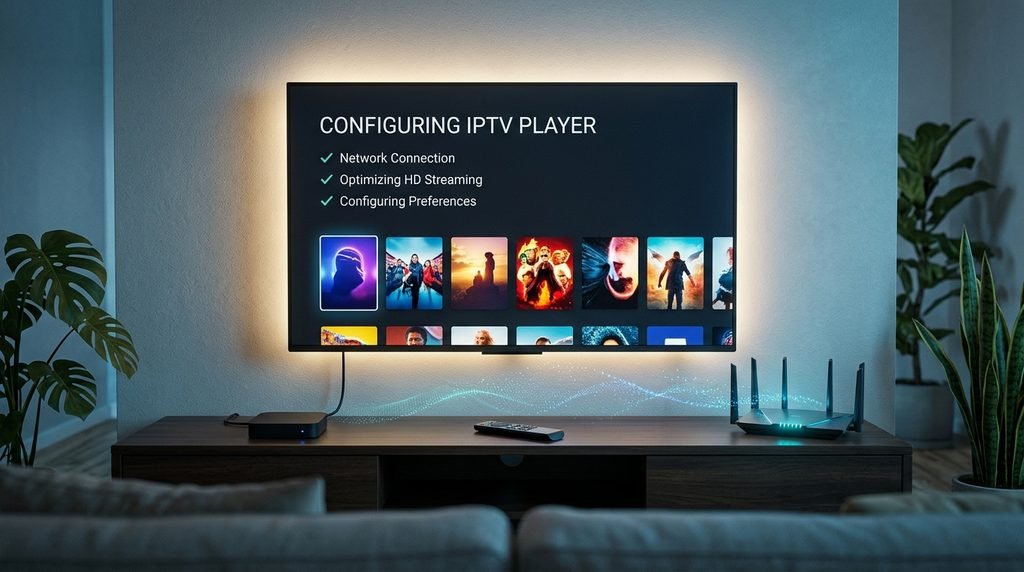
How fast is the instant setup process after purchase?
Instant setup typically delivers account credentials via email within minutes of payment confirmation, allowing you to configure your streaming app right away.
What information do I need to log into my IPTV app?
You will typically need a server portal URL, a username, and a password provided via your welcome email through the Xtream Codes API login method.
Can I use my subscription on multiple devices simultaneously?
Multi-screen capability depends on your specific subscription plan tier. Review your plan details to confirm how many concurrent connections are permitted.
What should I do if my streams buffer during live events?
First, check your internet connection speed and restart your streaming device or router. Switching to a wired Ethernet connection often resolves buffering issues.
Are these services compatible with Amazon Firestick devices?
Yes, most modern IPTV services support Amazon Firestick through sideloaded applications like IPTV Smarters Pro or TiviMate.
Next-step block: Ready to explore compatible subscription plans and detailed setup instructions? Review our complete Pricing Plans Guide to find the ideal setup for your home entertainment system.
