


What Happened to XtremeHDIPTV? 2026 Status and Timeline
If you are asking What Happened to XtremeHDIPTV, you are likely seeing conflicting posts about service outages, changing web addresses, or expired login credentials. Rather than taking every forum post or press release at face value, you can check five practical facts about domain changes, reseller confusion, account security, and home network troubleshooting to figure out whether the issue is on the service side or your own setup.
Quick Answer: Reports around What Happened to XtremeHDIPTV largely stem from domain transitions, reseller or third-party site disruptions, and user login or playback errors rather than a single universally verified, permanent closure. Because claims across websites and social threads often conflict, verify the exact web address you use, check your account credentials and app version, and test your home connection before paying for anything new.
Table of Contents
Why Do Shutdown Rumors and Domain Changes Happen?
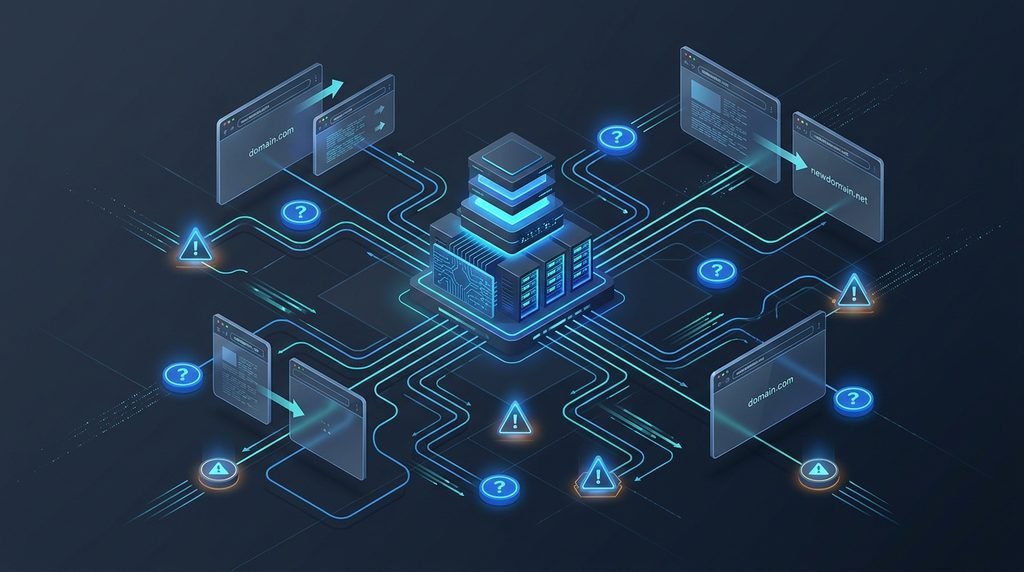
Rumors about What Happened to XtremeHDIPTV usually flare up when a domain goes offline, changes endings, or triggers authentication errors on popular IPTV players. In online streaming communities, a single inaccessible URL or rejected login is quickly interpreted as a total shutdown.
Conflicting Announcements and Domain Shifts
Public announcements around Xtreme HD IPTV domains have been notably mixed and require careful reading. For example, a July 31, 2025 wire release carried by The Manila Times (via GlobeNewswire) stated that an .org domain shutdown did not affect the service and pointed to .io, while a September 2, 2025 GlobeNewswire notice instructed readers to disregard that July 31 release. Later, pages on https://xtrmehdiptv.us reported moving from an earlier .io address to https://xtrmehdiptv.us, and a separate January 2026 release on OpenPR promoted an .org address.
Because press releases can be issued or retracted by third parties and domain ownership can change over time, no single web notice settles every question automatically. Treat any domain claim as something to verify independently rather than an absolute guarantee.
User Reports vs. Platform Status
Community discussions—such as threads on Reddit’s r/Cordcutting—show why users get mixed signals during disruptions. Some viewers report brief downtime followed by normal service, while others report invalid logins, missing shows after server or URL switches, or emails asking for renewed payment.
- Illustrative Example: Suppose a viewer sees a “connection failed” error on a smart TV app during a major live broadcast. If they check a social thread first, they might see a post claiming the service vanished, even though the real cause is an outdated app playlist token or temporary server congestion. Checking your own credentials and network first prevents knee-jerk reactions.
Key Takeaway: Domain shifts and reseller disputes create frequent noise around Xtreme HD IPTV, so separate a dead website URL from an actual account or stream failure.
How Can You Tell a Real Portal From a Lookalike Site?
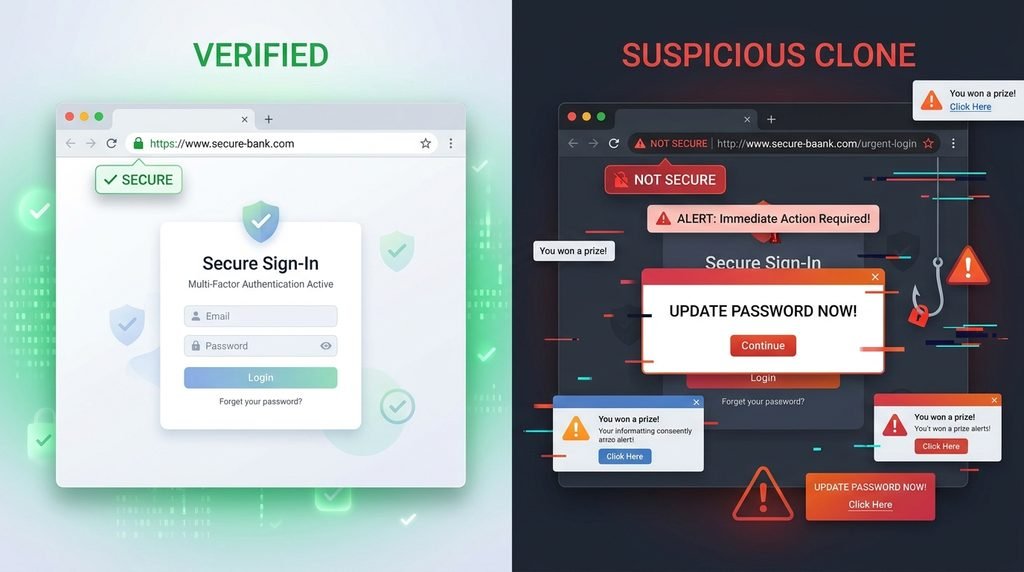
Imitation domains and lookalike pages are a common hazard whenever users search for What Happened to XtremeHDIPTV during an outage. Attackers or unrelated operators sometimes register similar spellings, copy branding, or send lookalike renewal messages to catch rushed visitors.
- Inspect the exact hostname: Check every letter, hyphen, and extension (
.com,.org,.io, or extra characters) in your browser address bar before entering passwords or payment details. - Beware of urgent payment prompts: Treat unexpected emails or messages claiming “old servers” cannot be found unless you pay again with high skepticism.
- Use trusted account records: Rely on credentials and portal details you saved from your actual subscription rather than clicking random search ads or unverified links.
- Keep legal and consumer rules in mind: In the United States, the Federal Trade Commission (FTC) highlights data and consumer-protection issues in digital video services, while copyright law governs whether streams are authorized. Always confirm that any content you access complies with applicable laws and terms in your jurisdiction.
For practical steps on checking account access and avoiding common login mistakes, see the portal access and player guide on Xtreme HD IPTV.
What Should You Check When Login or Playback Fails?
When Xtreme HD IPTV fails to load, the issue often comes down to local app data, login syntax, or home internet performance rather than a permanent shutdown. Working through a short checklist helps isolate the bottleneck quickly.
Credential, App, and Server URL Checks
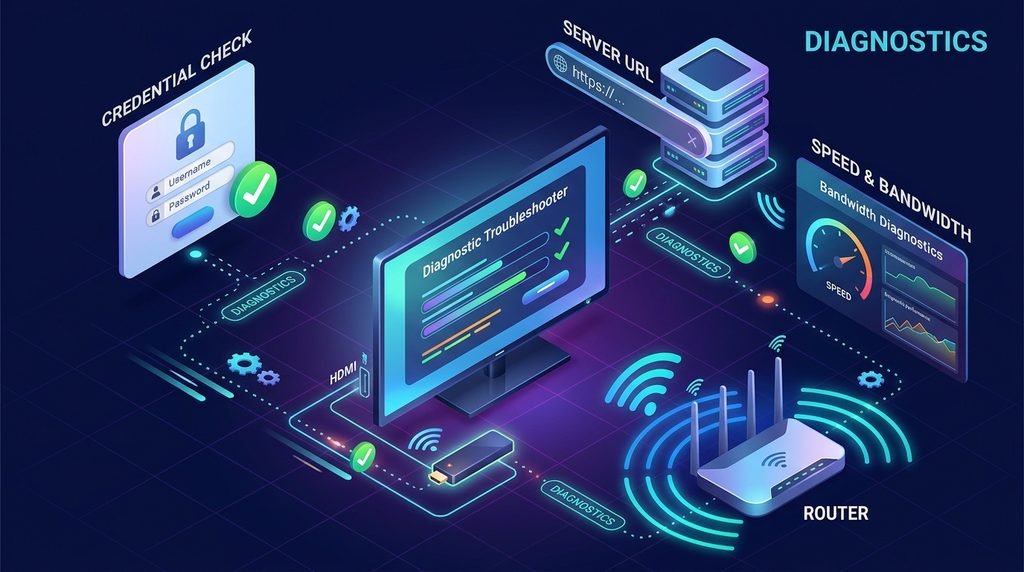
Authentication errors frequently trace back to small configuration mismatches after an app update or server change. Verify these items before assuming your account is gone:
- Confirm server URL vs. homepage URL: Make sure you are entering the exact portal or server address provided for your playlist or Xtream Codes login, not a general website homepage.
- Watch case sensitivity and spaces: Usernames, passwords, and M3U/API links often fail due to trailing spaces or auto-capitalization on remotes and phones.
- Clear cache and update the player: Stale cache files or outdated media players can cause infinite loading loops or guide sync failures.
- Check connection limits: Using a single-connection login on too many screens at once can trigger blocks or playback drops.
You can walk through full installation details in the Xtreme HD IPTV setup guide or review Firestick installation and login tips for device-specific menus.
Home Network and Bandwidth Diagnostics
Buffering, freezing, or dropped streams during peak hours are often tied to local Wi-Fi interference or insufficient bandwidth. According to the FCC Broadband Speed Guide, streaming HD video generally calls for at least 5–8 Mbps of download speed and Ultra HD 4K video calls for around 25 Mbps—and households running multiple streams or downloads at once need extra headroom.
Apple’s Apple TV streaming troubleshooting guide similarly notes that slower Wi-Fi tiers, network congestion from other devices, or outdated software/router standards can degrade video playback. If wireless streaming stutters, rebooting your router, moving closer to the access point, or using a wired Ethernet connection where supported can reduce packet loss and latency. For more on device stability and network setup, read the streaming capability and network guide.
Xtreme HD IPTV Status & Troubleshooting Decision Matrix
Basis & Date: Compiled November 23, 2026 from public web reports, official technical/regulatory documentation, and Xtreme HD IPTV configuration guides (documentation and public-report analysis only; not based on live lab or benchmark testing).
| What You Are Seeing | Likely Meaning | First Practical Step |
| A specific domain shows an error, park page, or redirect | Possible domain move, registrar/hosting issue, or defunct/lookalike URL | Verify exact spelling, avoid urgent payment links, and check your saved account details. |
| “Invalid login” or endless spin in your IPTV app | Typo in credentials, wrong server URL, expired plan, or stale app cache | Re-enter server URL, username, and password carefully, clear app cache, and update the app. |
| Frequent buffering during live sports or evening hours | Wi-Fi congestion, low bandwidth, or shared household traffic | Run a speed check against FCC HD/4K benchmarks, pause heavy downloads, or test a wired link. |
| Stream works on one device but fails on another | Device-specific OS/app issue or concurrent connection limit | Restart the affected device, check active connections, and compare playback on a second screen. |
Frequently Asked Questions
Did XtremeHDIPTV shut down permanently?
No single verified source confirms a permanent, platform-wide closure. Public reports show conflicting domain announcements, temporary outages, and user login complaints alongside ongoing activity.
Why do people see different website addresses for Xtreme HD IPTV?
IPTV services, former resellers, and lookalike sites have appeared across multiple domains and extensions over time. Always check the exact address bar and avoid unverified renewal requests.
What should I do if my Xtreme HD IPTV login stops working?
Check your server URL, username, and password for typos, verify that your subscription has not expired, clear the player app cache, and update the app. Also ensure you are not exceeding allowed concurrent connections.
Can slow Wi-Fi make it look like the service is down?
Yes. If your download speed drops below what HD or 4K video needs—or if other devices crowd your network—streams can stall or fail to load even when the feed itself is running.
How can I avoid scams when searching about What Happened to XtremeHDIPTV?
Double-check domain spelling, ignore unsolicited messages demanding second payments for “old servers,” and use caution with unfamiliar payment methods on unverified pages.
Is using an IPTV service automatically legal in the United States?
Not automatically. Legality depends on whether the underlying streams are properly licensed and comply with copyright and local laws; consumers should evaluate authorization and terms carefully.
Sources & Further Reading
- Federal Communications Commission (FCC): Broadband Speed Guide — https://www.fcc.gov/consumers/guides/broadband-speed-guide
- Apple Support: If you can’t watch or stream movies, TV shows, or sports in the Apple TV app — https://support.apple.com/en-mn/118405
- Federal Trade Commission (FTC): A Look Behind the Screens: Examining the Data Practices of Social Media and Video Streaming Services — https://www.ftc.gov/reports/look-behind-screens-examining-data-practices-social-media-video-streaming-services
Editorial & Methodology Note
- Byline: Xtreme HD IPTV Editorial Team (
[https://xtrmehdiptv.us](https://xtrmehdiptv.us)) - Last Updated: November 23, 2026
- Basis & Criteria: Synthesized from public web search results, press/community reports, official technical and regulatory guidance (FCC and Apple Support), and Xtreme HD IPTV setup documentation. Claims are evaluated for source transparency, domain accuracy, and practical troubleshooting value; no independent hands-on lab benchmarks or third-party legal opinions are claimed.
Next-Step Block
If you want to verify current access before making any changes to your setup, test service access before committing and check your device connection first rather than reacting to unverified rumors.
