


Buy IPTV Subs Securely | Xtreme HD IPTV Plans Guide 2026

When looking to Buy IPTV subs, modern cord-cutters seek reliable streaming performance, straightforward activation, and broad device compatibility without the complexity of traditional cable contracts. Xtreme HD IPTV provides a streamlined subscription model tailored for users wanting access to live television, sports networks, and video-on-demand content across multiple streaming hardware platforms. This guide examines subscription options, technical requirements, activation workflows, and best practices to help you make an informed decision.
Table of Contents
Understanding IPTV Subscription Plans and Options
Choosing the right subscription structure depends on your viewing habits, household screen requirements, and budget preferences. IPTV providers typically offer tiered packages ranging from monthly renewals to discounted annual commitments.
Comparing Monthly, Quarterly, and Annual Packages
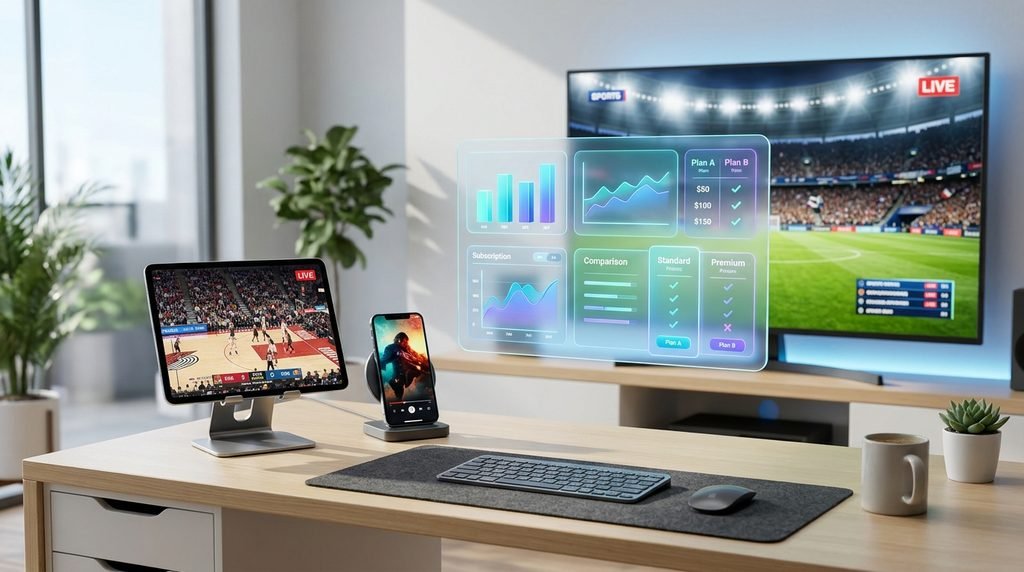
Subscription durations directly influence overall cost efficiency. Monthly plans offer flexibility for users who prefer short-term commitments, whereas annual subscriptions provide long-term value and reduce recurring billing management. According to consumer technology reports from publications like PCMag, digital subscription models reward extended commitments with lower effective monthly rates. When reviewing options for Xtreme HD IPTV, evaluate whether you intend to use the service year-round or seasonally for specific sports leagues and live events.
Evaluating Multi-Screen Capabilities and Connection Limits
Household viewing habits often require simultaneous streams across different devices in the same home. Standard subscription tiers may support a single active connection, while premium tiers allow multiple concurrent streams. Verifying your household connection requirements before purchase ensures that family members can watch different channels simultaneously without triggering connection limits or service interruptions.
Essential Factors to Consider Before You Purchase
Securing a stable and satisfying streaming experience requires verifying your hardware setup, network infrastructure, and application compatibility before completing a transaction.
Device Compatibility Across Firestick, Smart TVs, and Android Boxes
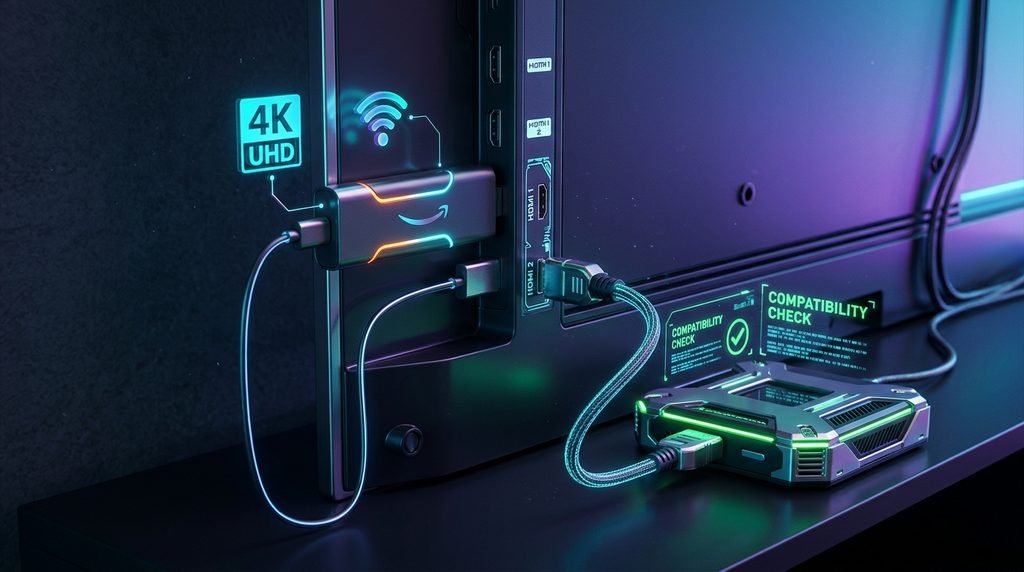
Modern internet protocol television services rely on third-party applications rather than proprietary set-top boxes. Xtreme HD IPTV is designed to integrate smoothly with popular hardware ecosystems, including Amazon Fire TV devices, NVIDIA Shield streaming media players, Android TV boxes, and smart television operating systems like Samsung Tizen and LG WebOS. Reviewing your hardware capabilities ensures you install compatible player applications such as TiviMate or IPTV Smarters Pro prior to activating your subscription credentials.
Network Bandwidth and Speed Requirements for HD and 4K Streaming
High-definition and ultra-HD live streaming demand consistent internet bandwidth. According to connectivity guidelines published by the Federal Communications Commission (FCC), stable video streaming requires robust download speeds, with 4K resolution streams typically needing at least 25 megabits per second (Mbps) per active screen. Testing your home network connection via Ethernet or high-frequency Wi-Fi helps eliminate buffering issues before you finalize your purchase.

How to Buy IPTV Subs and Activate Your Service Instantly
Completing your purchase and setting up your viewing environment involves a direct sequence of steps, from secure checkout to playlist configuration.
Step-by-Step Purchase and Checkout Procedure
- Navigate to the official Xtreme HD IPTV Pricing portal to review active subscription tiers.
- Select your preferred subscription duration and connection limit based on your household requirements.
- Complete the secure checkout process using accepted digital payment methods.
- Check your email inbox for immediate confirmation details and your unique account setup instructions.
Retrieving M3U Playlists and Xtream Codes API Credentials
Once your transaction is processed, you will receive your account credentials, which typically include an M3U playlist URL, EPG guide link, and Xtream Codes API parameters (Server URL, Username, and Password). Open your preferred IPTV player application on your streaming device, choose your preferred login method (API login is generally recommended for faster channel loading and automatic electronic program guide syncing), and enter the credentials accurately.
Best Practices for Stable and Secure Streaming Performance
Maintaining optimal stream quality and protecting your digital privacy requires basic configuration adjustments and routine maintenance of your streaming applications.
Optimizing App Settings for Buffer-Free Playback
Default application settings do not always match your specific hardware capabilities. Adjusting internal buffer sizes within apps like TiviMate, clearing application cache regularly, and utilizing wired Ethernet connections instead of congested wireless networks significantly reduces stuttering during live sports broadcasts. Furthermore, reviewing official Xtreme HD IPTV Features helps you utilize advanced stream-switching and hardware decoding options.
Understanding Technical Support and Account Renewal Options
Reliable customer service channels ensure that any login or playlist update issues are resolved quickly. Familiarize yourself with the provider’s support portal and renewal mechanisms. Setting up renewal reminders before your billing cycle ends ensures uninterrupted access to your favorite channels and live programming events.
Next-step block: Explore the Xtreme HD IPTV Free Trial to test stream stability and device compatibility on your home network before committing to a long-term subscription plan.
