


Best IPTV USA Options 2026, Setup Guides, and Features
For households seeking an alternative to traditional cable packages, exploring IPTV USA services has become an increasingly popular way to access live television, sports, and on-demand content. Whether you are cutting the cord or looking to consolidate multiple streaming apps, understanding how modern IPTV works helps ensure a stable and high-quality viewing experience. Xtreme HD IPTV provides a structured approach to delivering diverse channel lineups and flexible streaming options across major devices used in American homes.
Quick Answer: IPTV USA services stream live television and media over internet protocols rather than traditional cable or satellite connections. Choosing a reliable provider involves verifying device compatibility, evaluating network speed requirements, and ensuring consistent stream stability for local and national programming.
Table of Contents
Understanding IPTV USA: What to Look For in American Streaming Services
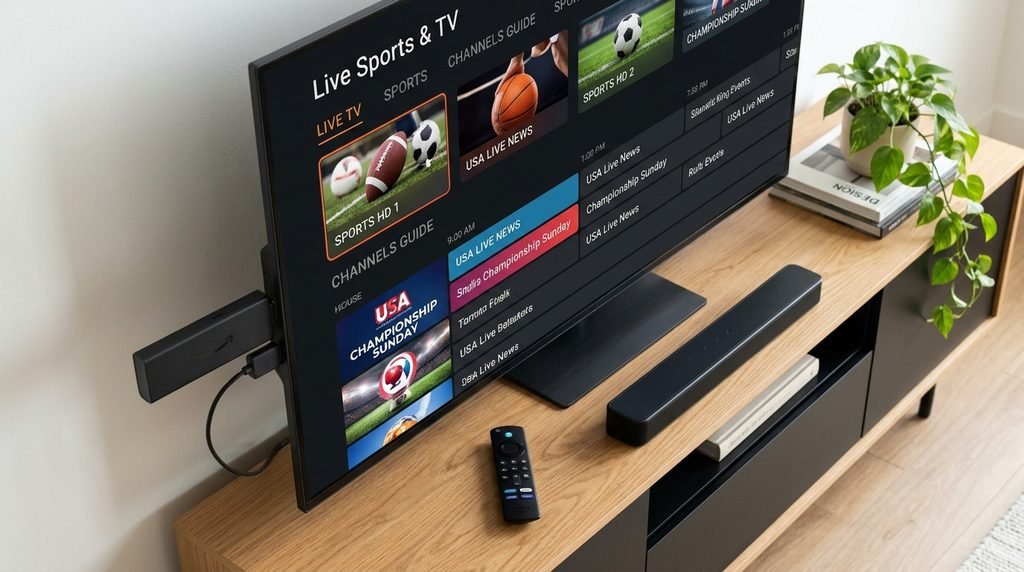
Selecting an IPTV service tailored for the American market requires looking beyond generic channel counts to examine reliability, content organization, and regional coverage. Many viewers transition to services like Xtreme HD IPTV to access comprehensive channel lineups that mirror traditional cable packages without long-term contracts or hidden equipment rental fees. According to industry analysis reported by outlets like CNN, cord-cutting continues to accelerate as consumers seek flexible, internet-based alternatives to standard cable bundles.
Core Features of a Reliable US IPTV Provider
A dependable service must offer stable servers capable of maintaining high uptime during peak viewing hours, especially during major live sporting events. Key indicators of a quality provider include electronic program guide (EPG) support, multi-device connectivity, and responsive customer support channels. When evaluating options, users should verify whether the provider supports standard protocols like Xtream Codes API or M3U playlists, which ensure seamless integration with third-party media players.
Evaluating Channels, Local Coverage, and Sports Content
US viewers typically prioritize access to local network affiliates, regional sports networks, and national entertainment channels. A well-rounded service organizes these categories logically, allowing users to navigate local news, premium movie channels, and international broadcasts effortlessly. When paired with structured channel guides available on platforms like Amazon for hardware accessories, setting up a customized channel list becomes straightforward.
| Evaluation Criteria | What to Look For | Why It Matters |
| Server Uptime | 99.9% reliability guarantee | Prevents freezing during live broadcasts |
| EPG Support | Real-time program guide data | Makes browsing live schedules effortless |
| Device Flexibility | Multi-screen simultaneous streams | Accommodates multiple household users |
| Protocol Support | Xtream Codes & M3U compatibility | Ensures smooth app integration |
Essential Hardware and Device Compatibility for US Viewers
Hardware choice directly influences streaming performance and navigation ease. Most American households utilize streaming media players, smart TVs, or dedicated set-top boxes to access their subscriptions. Ensuring that your chosen provider supports your specific hardware ecosystem prevents compatibility bottlenecks and simplifies the installation process.
Setting Up on Amazon Firestick and Android TV Devices
Streaming devices powered by Android TV or Fire OS dominate the US market due to their affordability, processing power, and sideloading flexibility. Installing an IPTV application on these devices typically involves downloading a trusted media player from the official app store or using downloader tools to install compatible clients. For detailed walkthroughs, users often consult resources such as the Microsoft Windows documentation ecosystem when managing network shares or external configuration files.
Configuring Smart TVs and External Streaming Boxes
Modern smart TVs running WebOS or Tizen offer built-in app stores where dedicated IPTV applications can be installed directly, eliminating the need for external hardware sticks. However, external boxes like Nvidia Shield or MAG boxes often provide superior processing speeds and Ethernet connectivity for 4K streaming. Configuring these devices requires entering your secure portal URL, username, and password provided upon subscription activation.
Technical Requirements and Network Optimization for HD Streaming
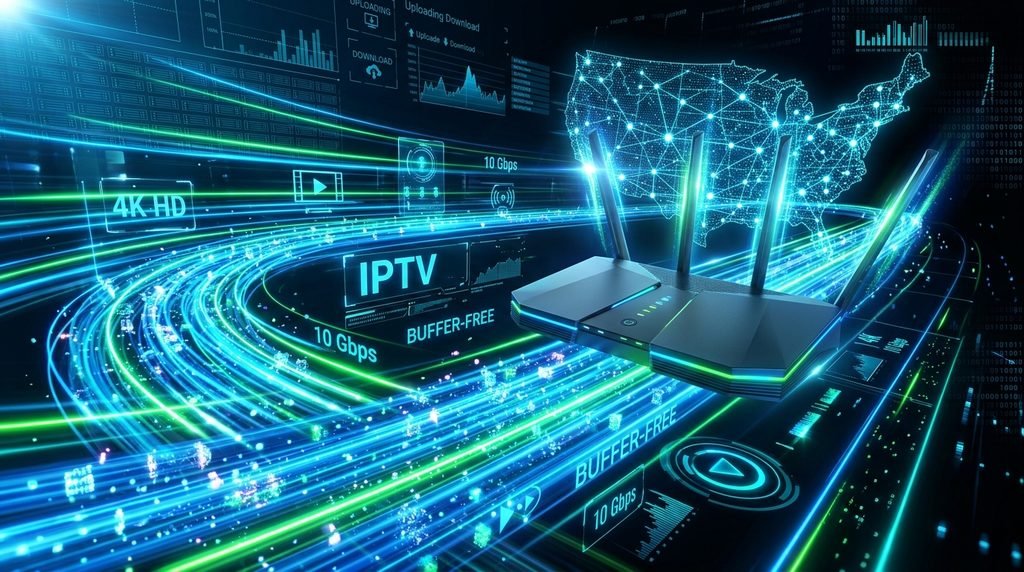
High-definition and 4K streaming demand robust internet infrastructure. Even the best IPTV service will struggle if local network conditions fail to meet minimum bandwidth thresholds or suffer from high packet loss.
Bandwidth and Internet Speed Benchmarks
To stream standard definition content smoothly, a minimum download speed of 10 Mbps is generally recommended. For high-definition (HD) streams, speeds of 25 Mbps or higher ensure buffer-free playback. Households streaming multiple 4K feeds simultaneously should aim for fiber-optic or high-speed cable connections exceeding 100 Mbps.
Managing Buffering and Connection Stability
Buffering often results from Wi-Fi congestion, Internet Service Provider (ISP) throttling, or overloaded local servers. Utilizing Ethernet cables instead of Wi-Fi significantly reduces packet jitter and stabilizes bitrates during peak evening hours. Additionally, understanding how your home router prioritizes video streaming traffic can resolve minor performance hiccups.
Choosing Your Plan: Pricing Structures and Service Tiers
Navigating subscription models requires balancing cost with feature sets, such as the number of simultaneous connections and duration commitments. Transparent providers clearly outline what each tier includes without hidden renewal fees.
Monthly vs. Long-Term Subscription Models
Most providers offer flexible monthly billing alongside discounted semi-annual or annual packages. While monthly plans offer maximum flexibility, long-term plans often reduce the effective monthly cost significantly. Reviewing service terms and refund policies before purchasing ensures alignment with your viewing habits.
Understanding Trial Periods and Instant Activation
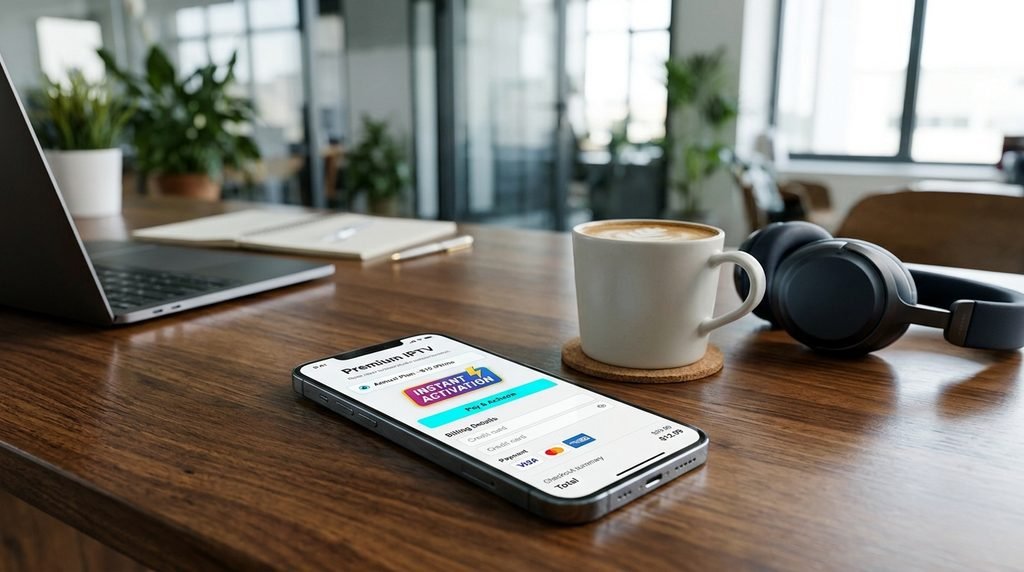
Short-term trial periods allow users to test server stability, channel loading speeds, and EPG accuracy on their specific hardware before committing to an extended plan. Reputable services feature automated instant activation, delivering login credentials directly to your email shortly after checkout so you can begin setup immediately.
Frequently Asked Questions
What internet speed do I need for IPTV USA streaming?
A minimum download speed of 25 Mbps is recommended for smooth HD streaming, while 4K content requires 50 Mbps or higher for buffer-free playback.
Can I use Xtreme HD IPTV on multiple devices simultaneously?
Yes, multi-screen capability depends on your specific subscription plan, allowing you to stream across compatible devices in your household.
Do I need a VPN to use an IPTV service in the US?
While not always mandatory, a reliable VPN can help bypass ISP throttling and enhance privacy depending on your network configuration.
How do I install IPTV on my Amazon Firestick?
You can install compatible media players via the Amazon Appstore or use downloader tools to sideload approved applications using your portal credentials.
What playlist formats do most IPTV applications support?
Most modern applications support Xtream Codes API login credentials as well as standard M3U playlist URLs for easy channel loading.
How are activation credentials delivered after purchase?
Upon completing your order, activation details including server URLs, usernames, and passwords are typically sent instantly via email.
Next-step block Ready to explore plans or test compatibility? Review the available options and instant activation details to find a setup that fits your home entertainment needs.
